

Preview Registration and Login Forms Before Publishing
With WPUF FREE, you will be able to preview your forms from the front before publishing.
Configuration
Section titled “Configuration”Simply go to User Frontend→Registration Forms→Open New or Edit existing form. In your Form Editor, the Preview feature is located on top, right beside the Save Form button.
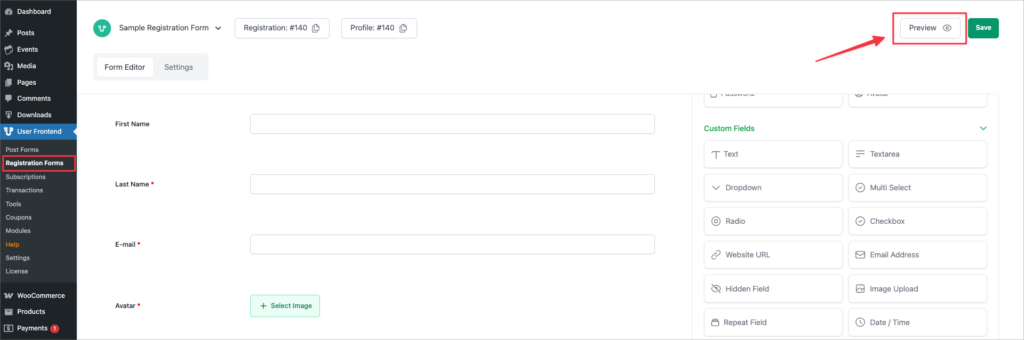
To view a preview, first click on Save Form after making changes to your form body.
Then click on Preview. You will be taken to a new tab where you can view the page from your web browser.
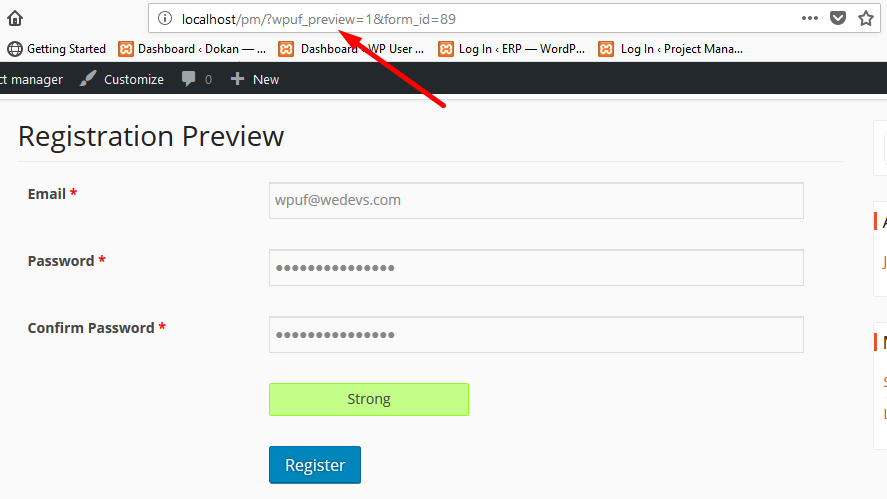
You can identify that it's a preview form from the link itself, as shown above.
WPUF allows you to submit entries from the preview form as well.