

How to Restrict Contents for Different Subscription Packs
WP User Frontend Pro lets you restrict content for your users depending on different requirements. In this document, we will discuss how you can restrict content to specific subscription users.
WPUF Content Restriction for Subscription Users
Section titled “WPUF Content Restriction for Subscription Users”Navigate to – WP Admin Dashboard → Pages → All Pages.
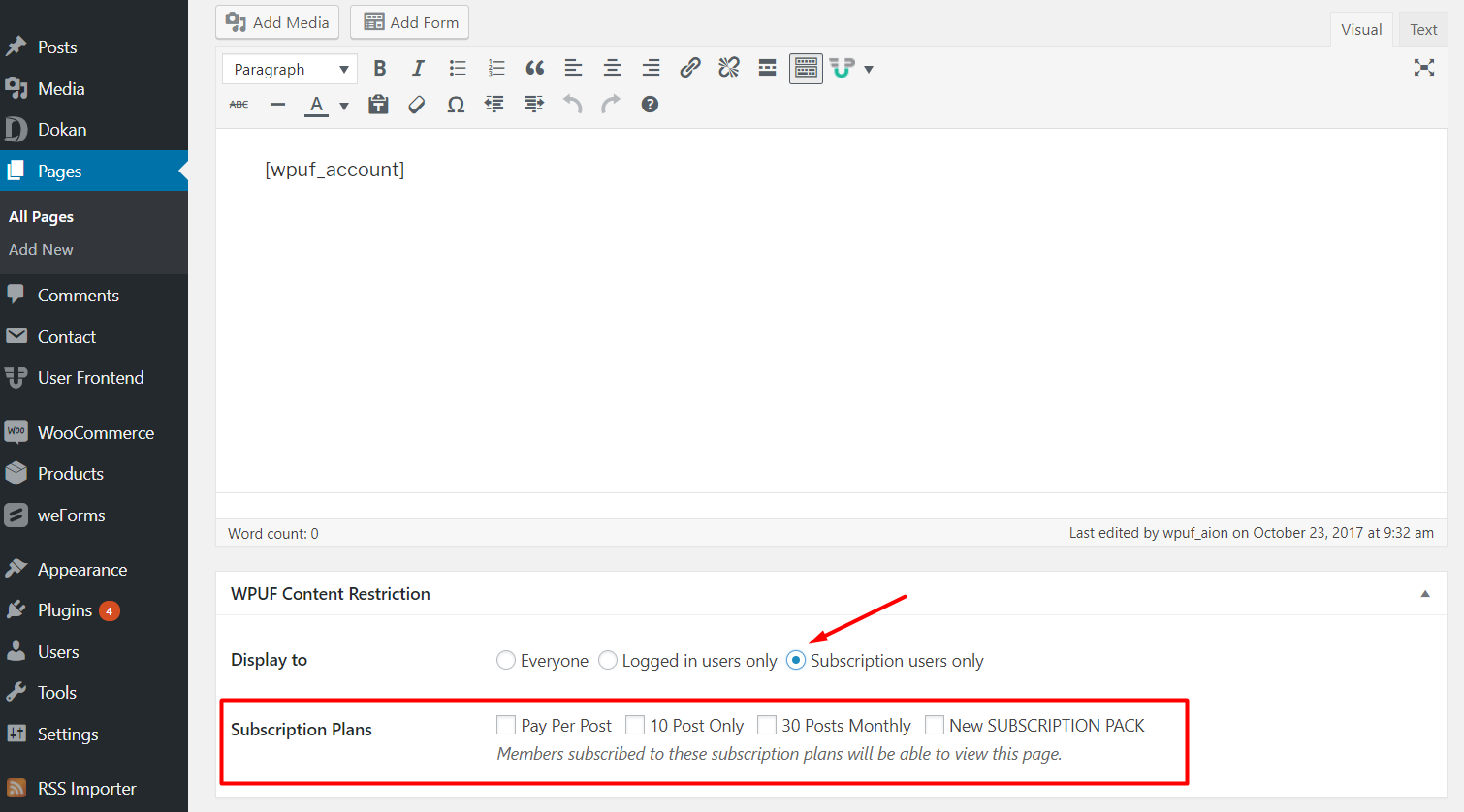
Create a new page or choose an existing one. Scroll down and find the WPUF Content Restriction section. From there, select Subscription users only on the Display to field.
You will get all your existing subscription packs. If you haven't created any yet, check this documentation.
Now, select the subscription packs for which you want to show the content. Please note that- the packs that are unchecked will not be able to view the content.
When a user from another subscription pack tries to view the content, they will get a message instead showing they need to buy that specific pack.