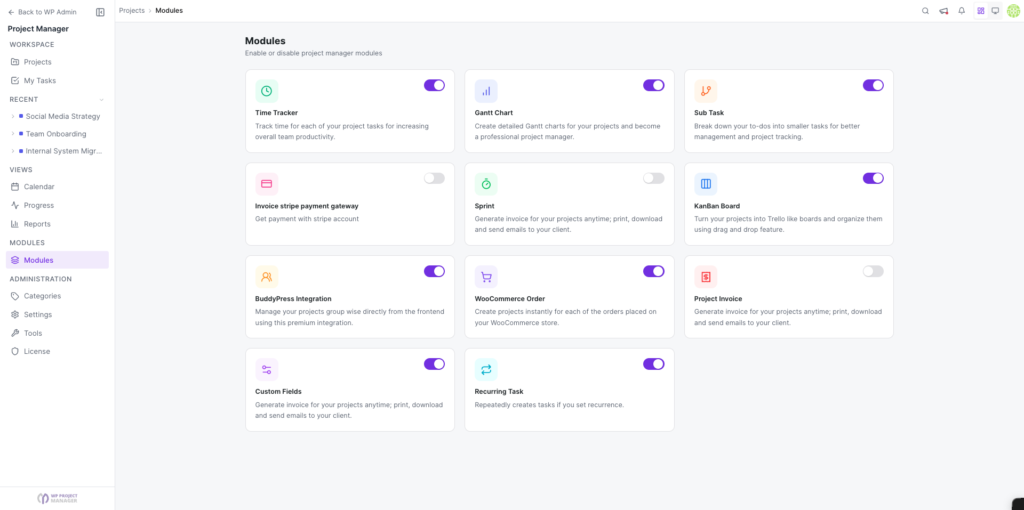
How to Access the Modules
With the new WP Project Manager, all extensions will now be accessible in your dashboard as built-in modules to ensure a more interactive, faster, and hassle-free user experience. The new version comes with a separate Modules page which keeps all your add-ons organized.
If you have previously been using any of the modules in the form of extensions, all your data will remain safely stored. However, to access the data in the new version you need to migrate the information when you upgrade to the new version of the plugin. For extra security, we also suggest keeping a backup in your database server. Read this guide to learn more about how to migrate to WP Project Manager v2.0.
Navigation
Section titled “Navigation”To access this feature, navigate to wp-admin > Project Manager > Modules.
Instead of having to upload each extension separately and then activate it, you only now have to use the toggle button functionality located on the top right to enable the add-on.