

How to Unify My Account Page
This tutorial will help you create an account page for your users. Just follow these simple steps.
Creating a new Page with Shortcode
Section titled “Creating a new Page with Shortcode”At first, navigate to:
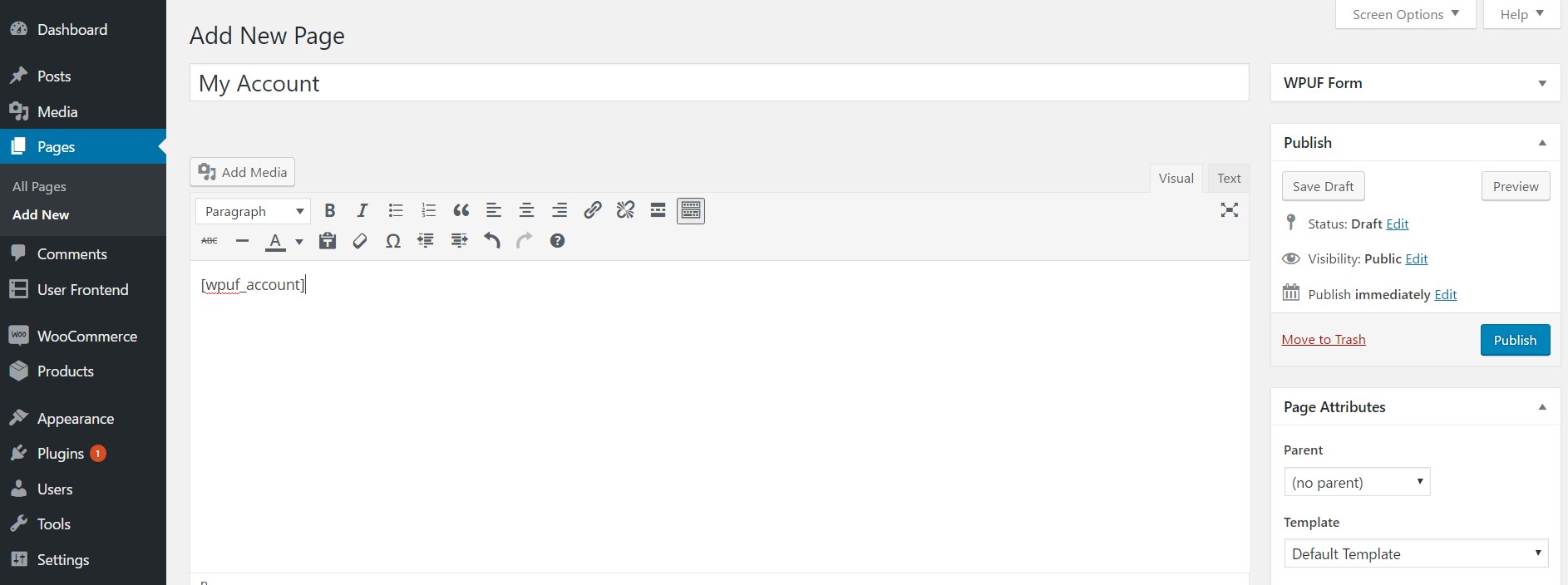
WP Dashboard → Pages → Add New
Now, put a title and simply copy-paste the following shortcode:
Shortcode: [wpuf_account]
Finally, hit the publish button, and you are done.
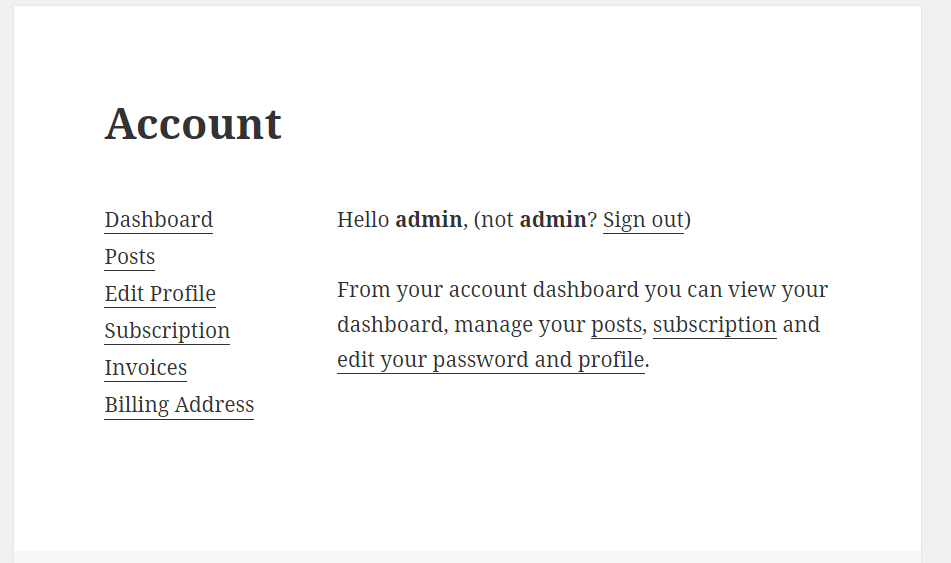
My Account Page on the Frontend
Section titled “My Account Page on the Frontend”This is how my account page looks on the front end of your website. It contains six very useful links, which are:
- Dashboard
- Posts
- Subscription
- Edit Profile
- Invoice
- Billing Address
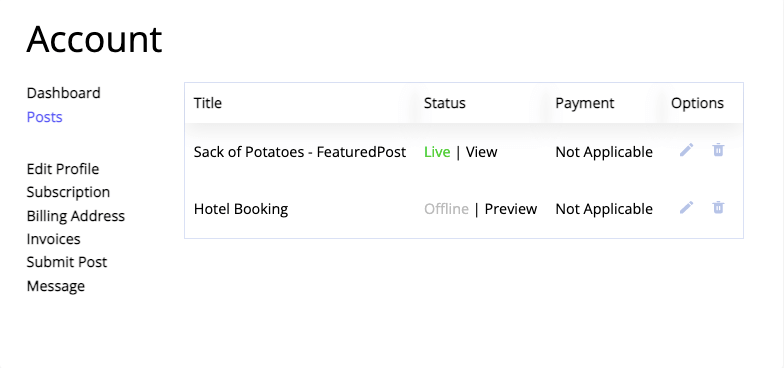
My Account- Posts Page
Section titled “My Account- Posts Page”From here, you can view all your created posts with their status. You can also edit or delete them directly from this page.
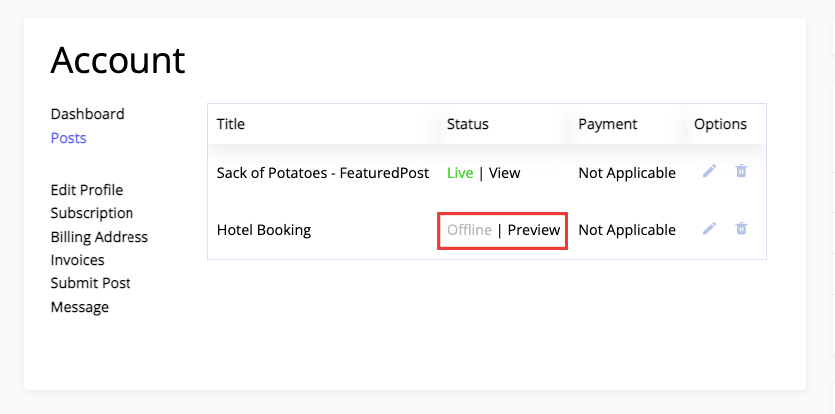
Users can preview their draft posts as well,
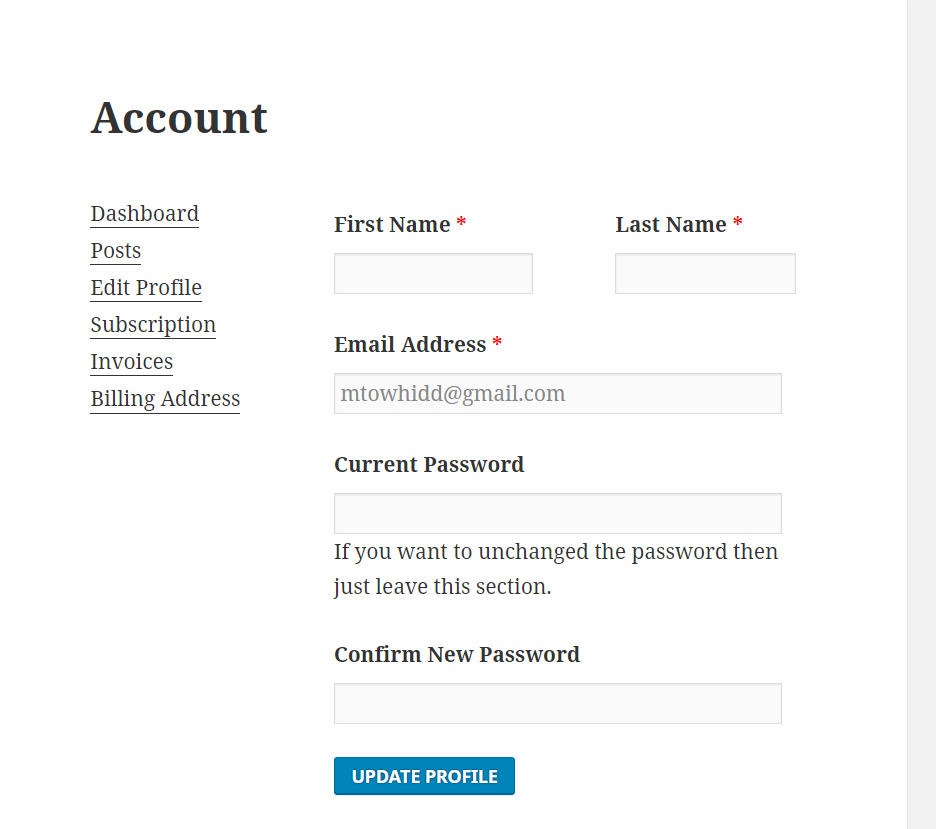
My Account- Edit Profile Page
Section titled “My Account- Edit Profile Page”You can edit your the following directly from this page-
- First Name
- Last Name
- Email Address
- Password
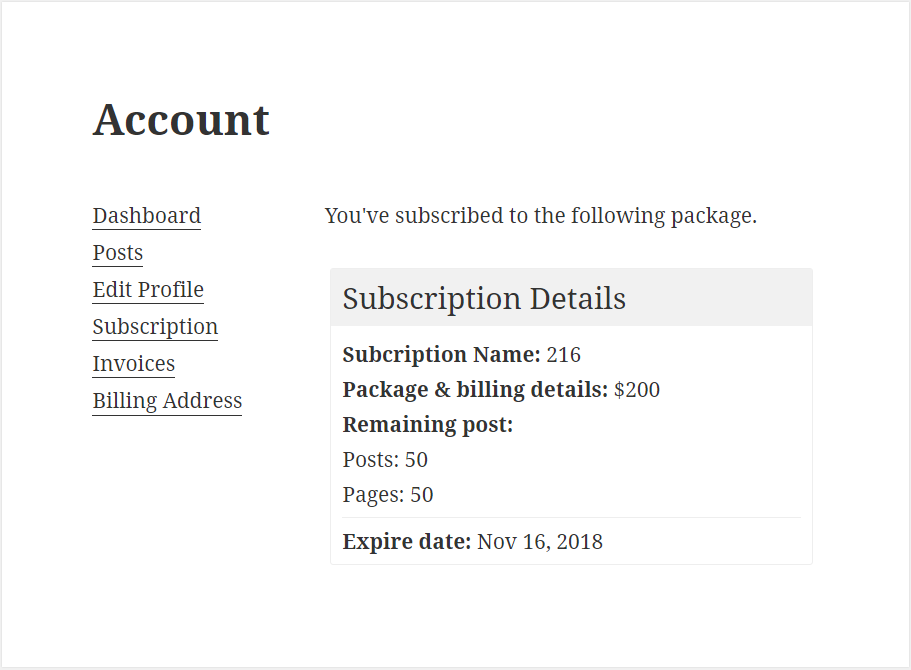
My Account- Subscription Page
Section titled “My Account- Subscription Page”This page contains the details of your subscription packs. Here you can see everything about the subscription packs to which you have subscribed.
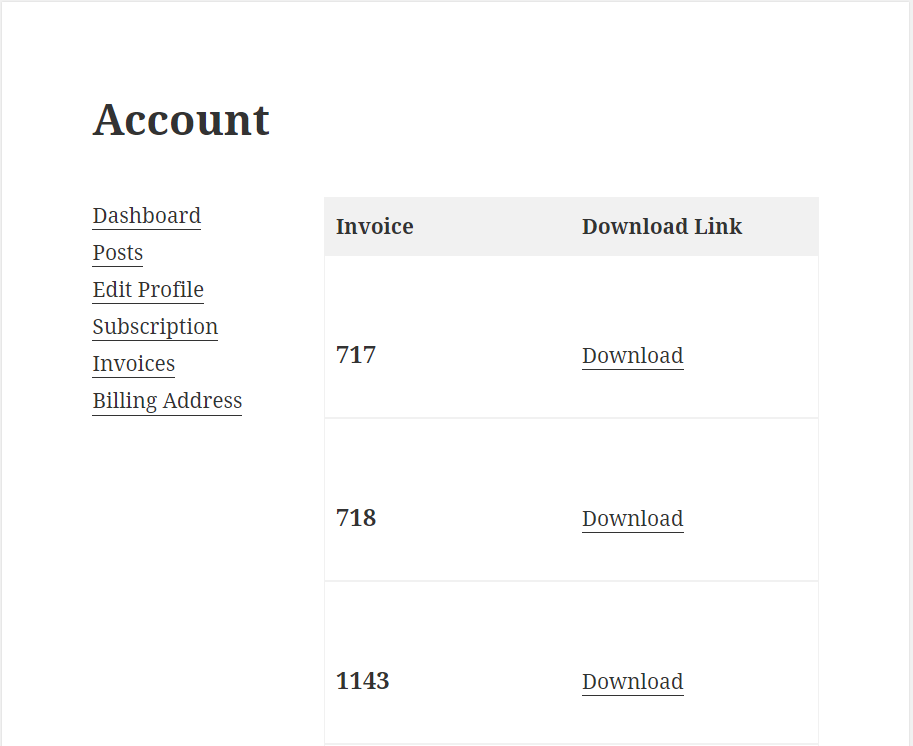
My Account- Invoice Page
Section titled “My Account- Invoice Page”This page contains the details on your invoices; they are also in PDF format, so you can download them.
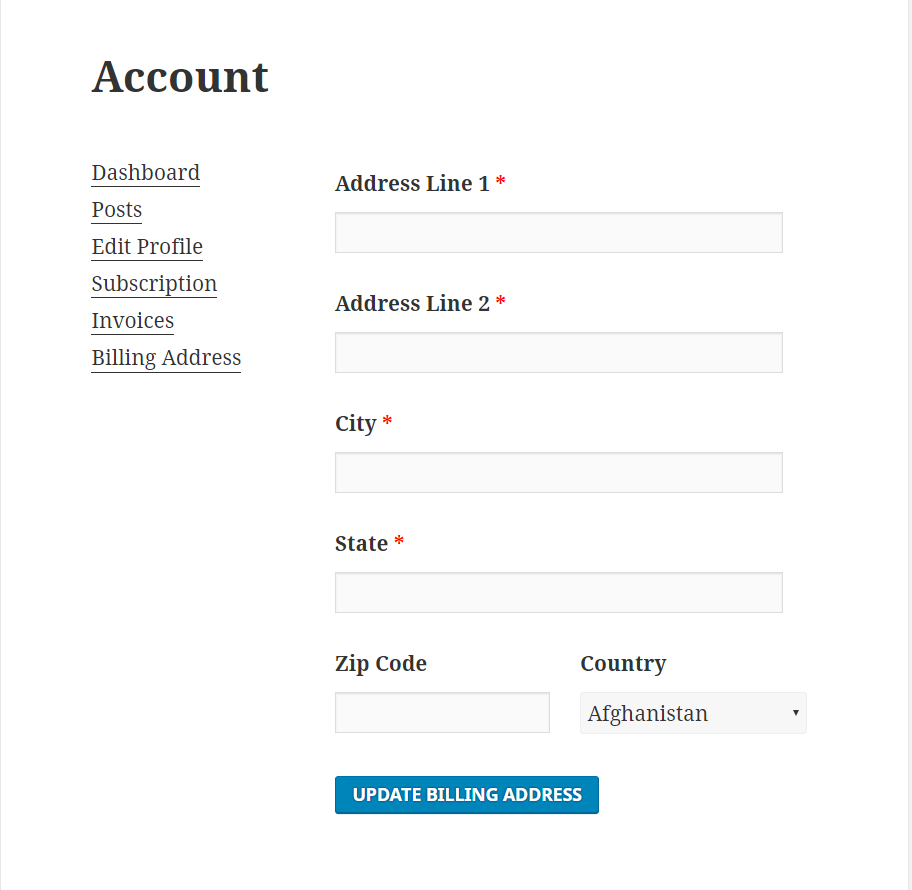
My Account- Billing Address Page
Section titled “My Account- Billing Address Page”This page contains the details on your billing address. You can update it, which allows you to ship your product wherever you are in the world.
My Account – Payment Column
Section titled “My Account – Payment Column”To add the Payment menu to My Account page, go to wp-admin→User Frontend→Settings→Dashboard.
Turn on the checkbox for the Show Payment Column if it's not enabled. Then click on Save Changes.
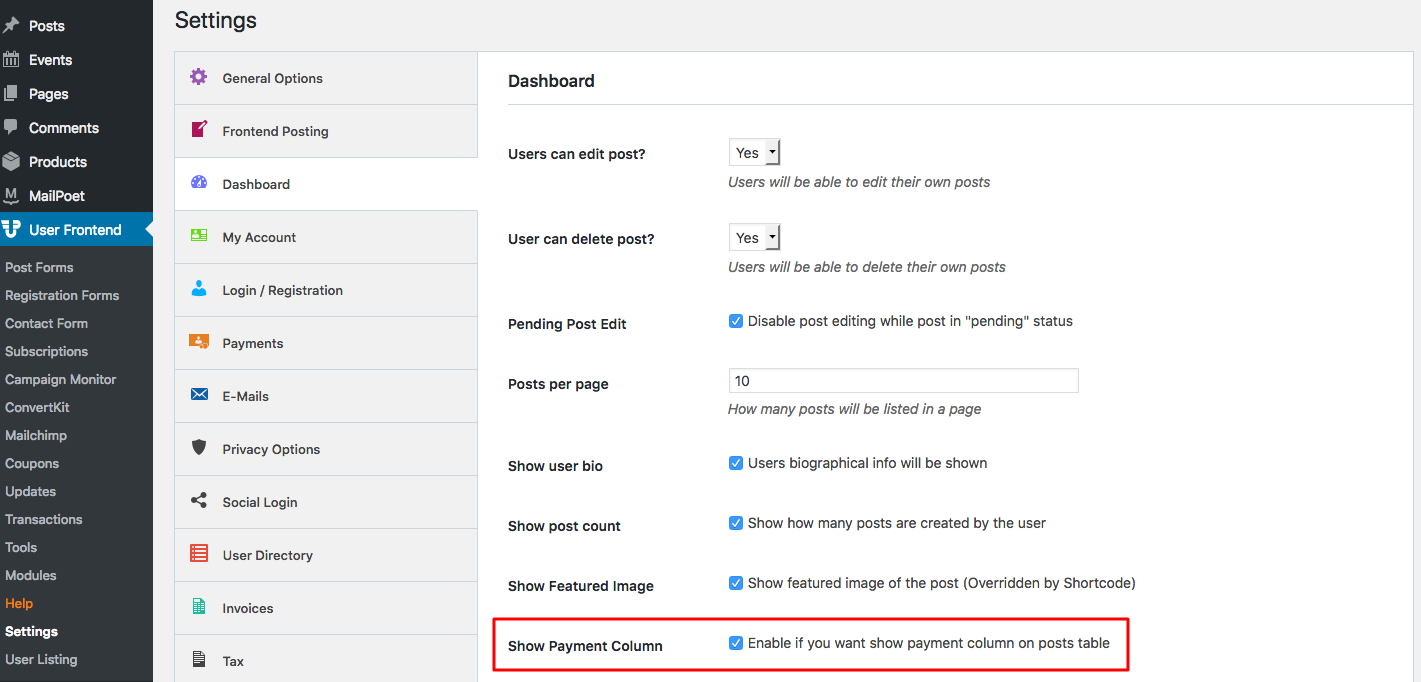
Users can now view Payments made for post forms.
Go to site frontend→My Account→Posts.
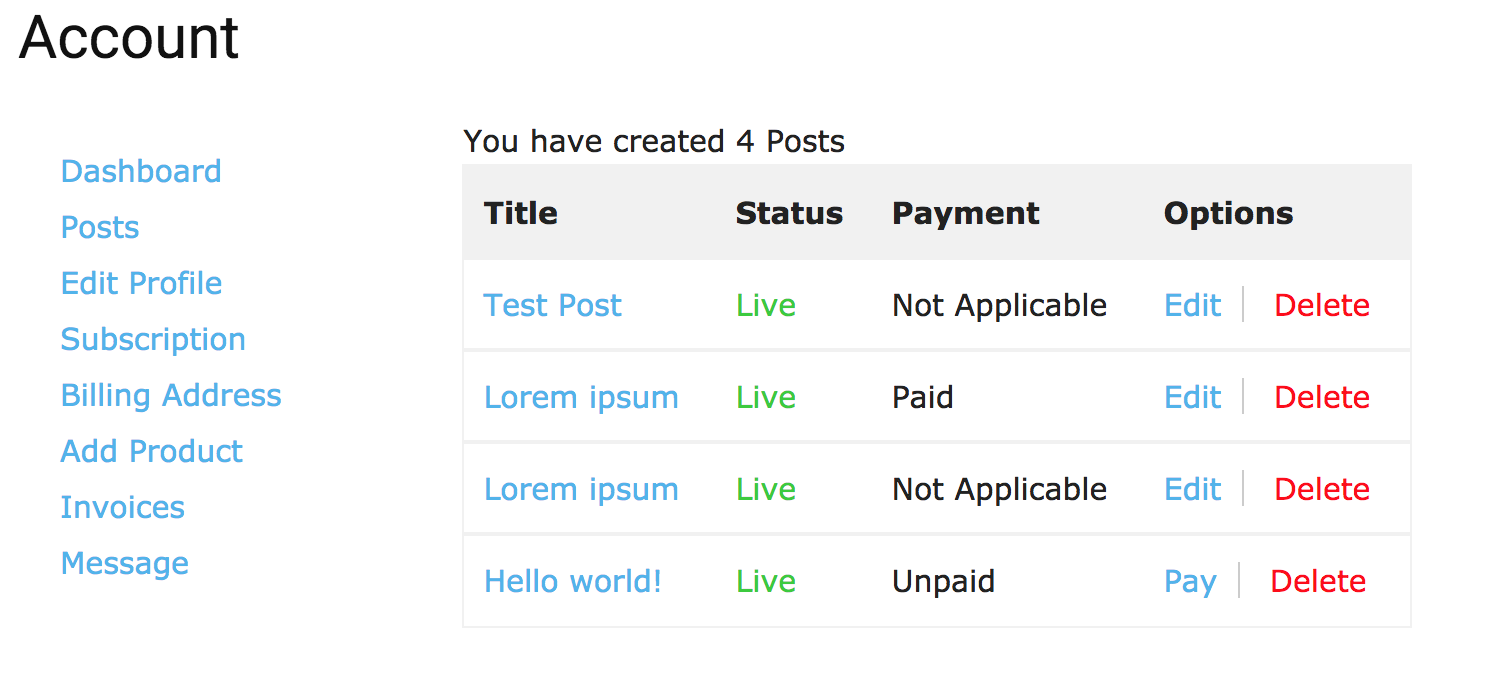
My Account – Submit Posts
Section titled “My Account – Submit Posts”With WPUF Free 2.9.0, users can directly submit a post from their My Account page.
Admins first need to navigate to wp-admin→User Frontend→Settings→My Account.
Then enable the checkbox for Post Submission. Change the Submission Menu Label if you like. And select the Submission Form from the drop-down. Then click on Save Changes.
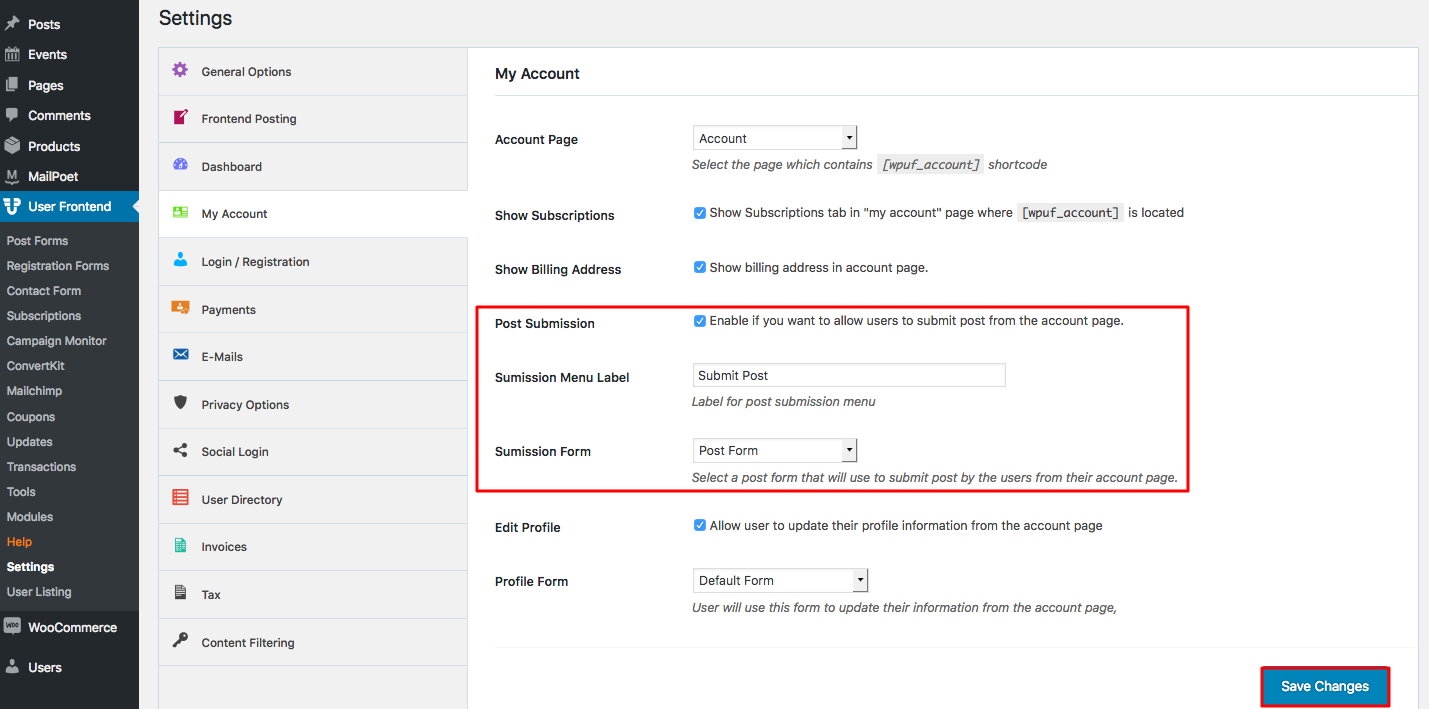
Now a new menu Submit Post will appear in My Account page. Users can view this form from their Account page. The same assigned form will appear in all user accounts.
To submit a post, go to site frontend→My Account→Submit Post.
Fill out the form and click on Submit Post.
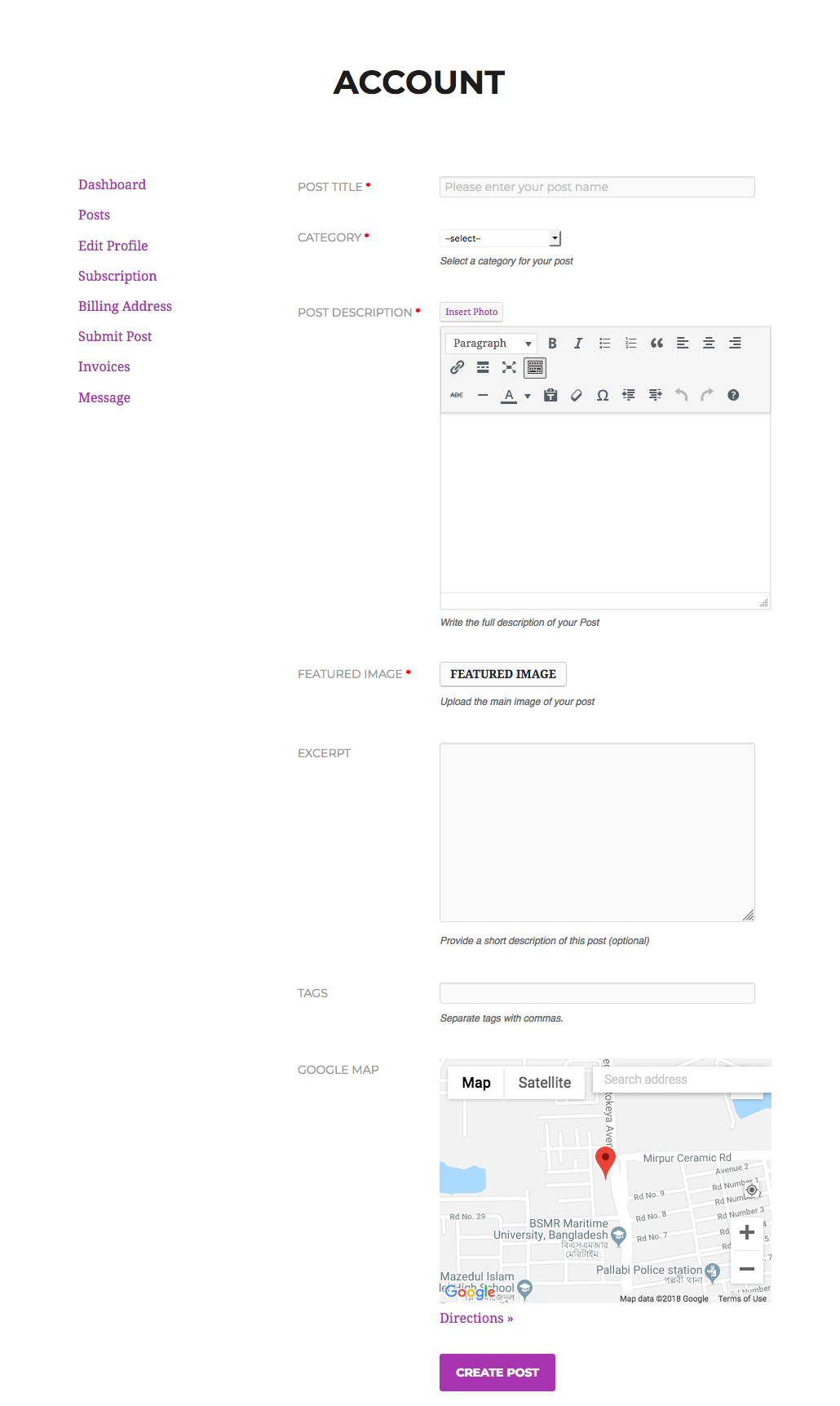
This completes the configuration for My Account page.