Getting Started
Activate User Directory Module
Section titled “Activate User Directory Module”To enable the User Directory in WP User Frontend, first log in to your WordPress dashboard with an administrator account.
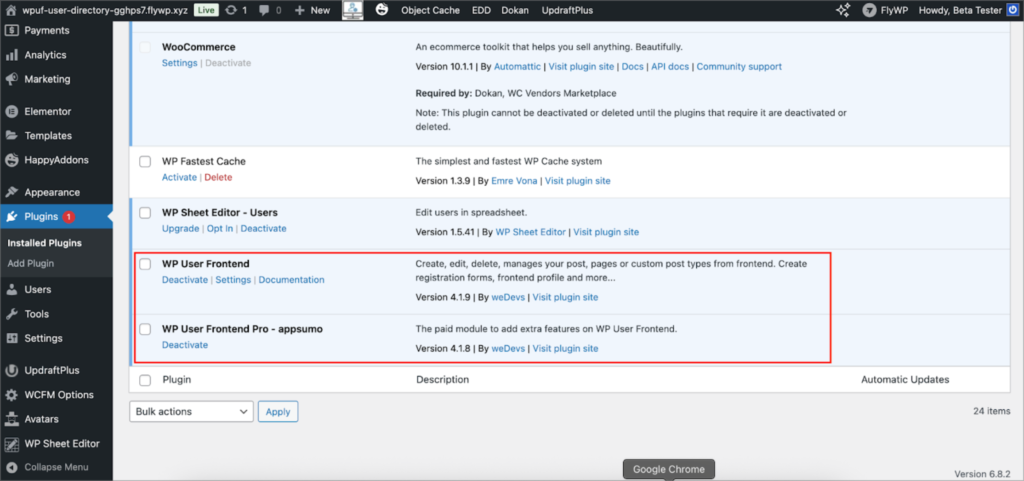
Navigate to Plugins → Installed Plugins and verify that both WP User Frontend (Free) and WP User Frontend Pro are installed and active – Pro modules require both plugins to be active.
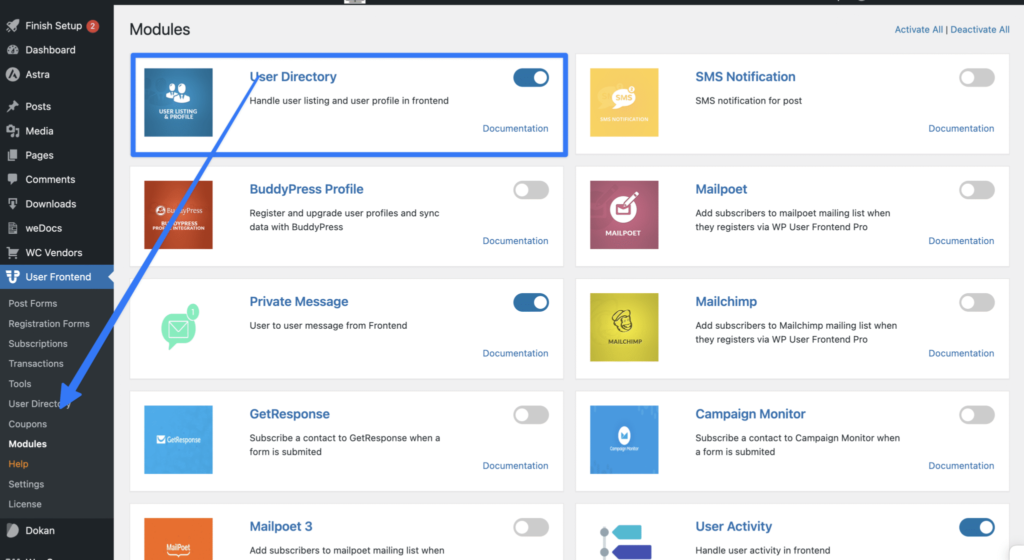
Once confirmed, go to WPUF → Modules from the left sidebar. Locate the User Directory module and toggle it on to enable it.