

Overview
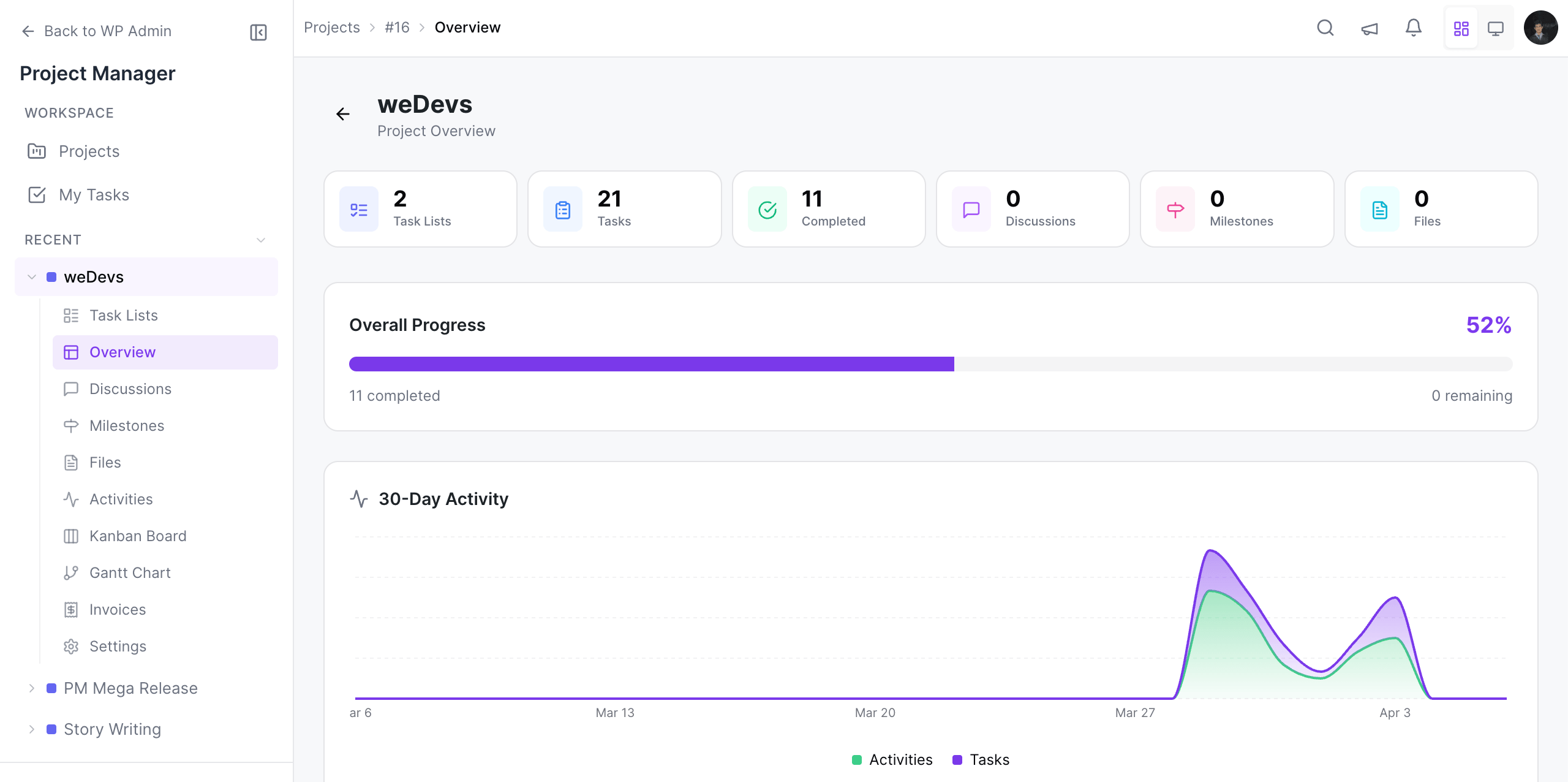
Here is what the page looks like. When you click on a project from the wp-admin → project manager → projects menu, you land on the overview tab by default.
Panels and Tabs
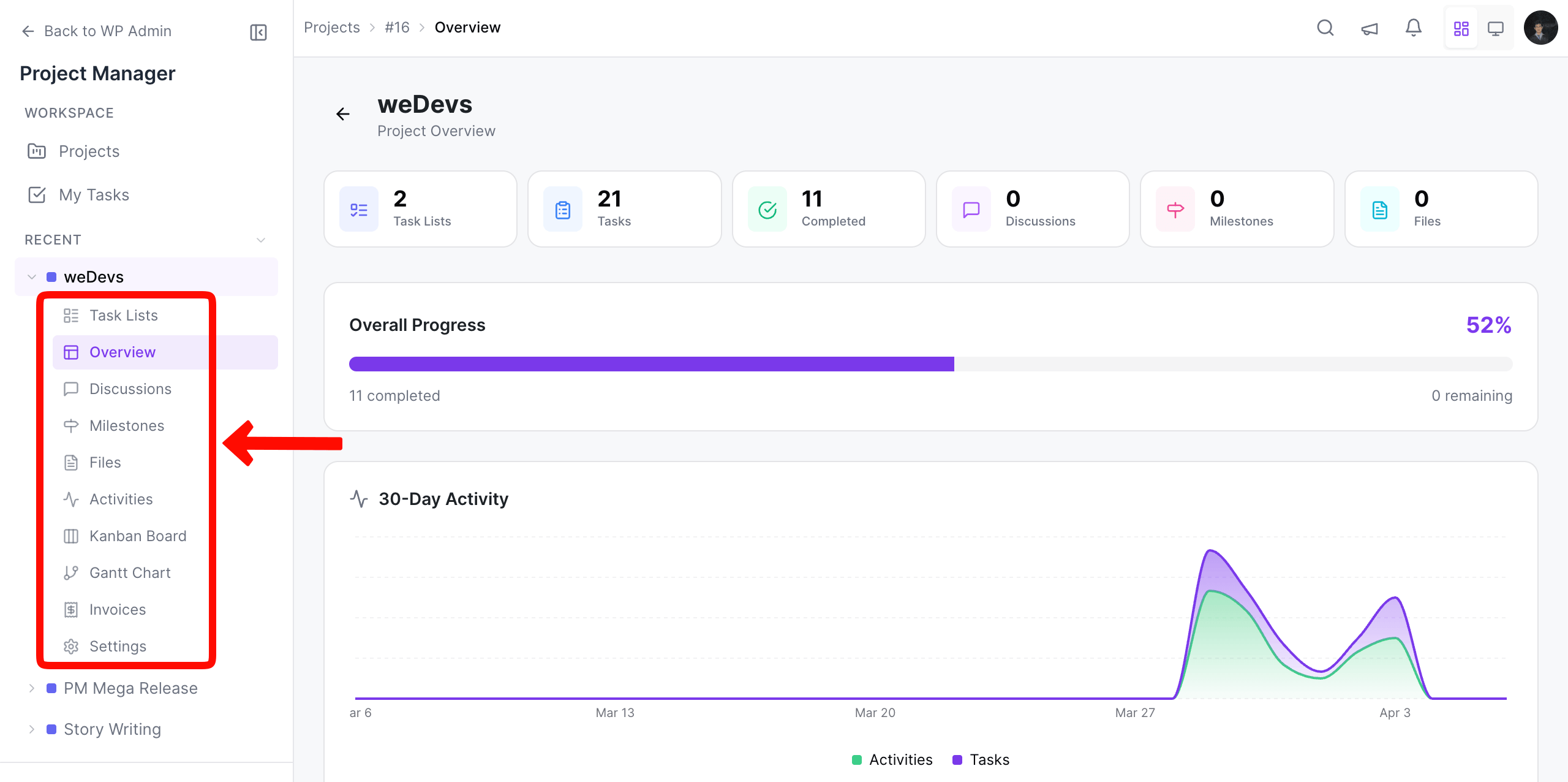
Section titled “Panels and Tabs”On the left sidebar, under the project name (after expanding), you will see numerous options like Task Lists, Overview, Discussions, Milestones, Files, Activities, and more. By switiching between them, you can check the current status of this project from different perspectives.
The graph shows you the day-to-day total number of to-do lists and tasks.