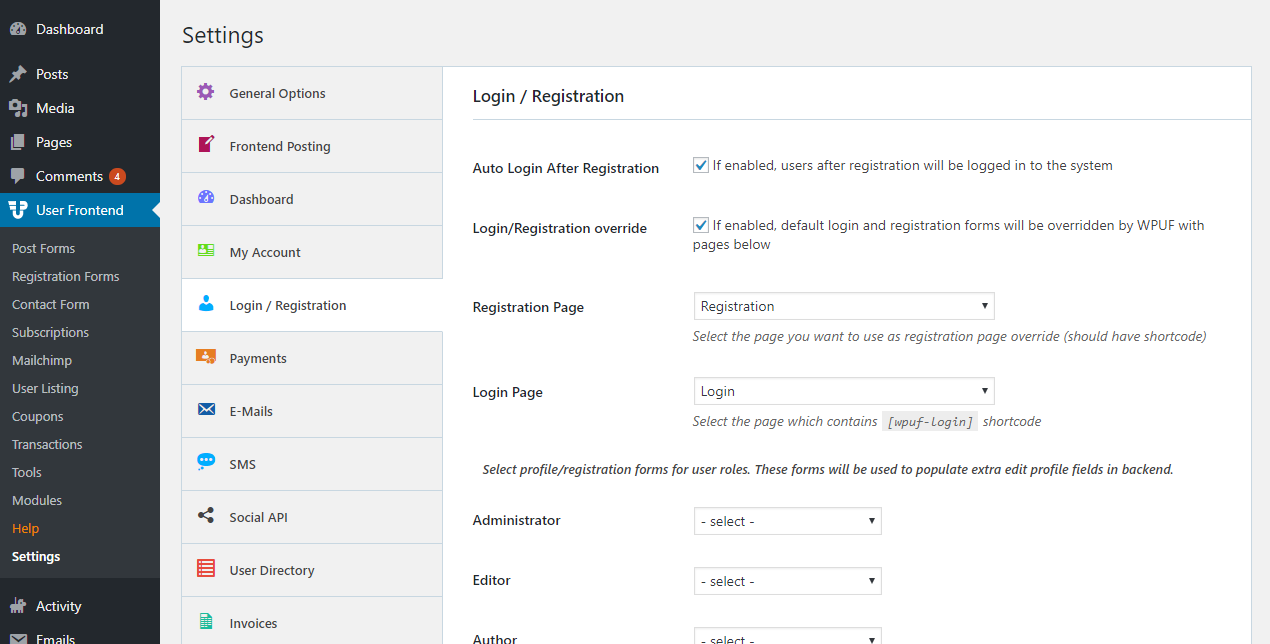
How to Setup Registration and Login Page
The registration/login function is now available in the free version. Users don’t need to log in or register using the WordPress default form but there is a front-end opportunity for the WPUF plugin.
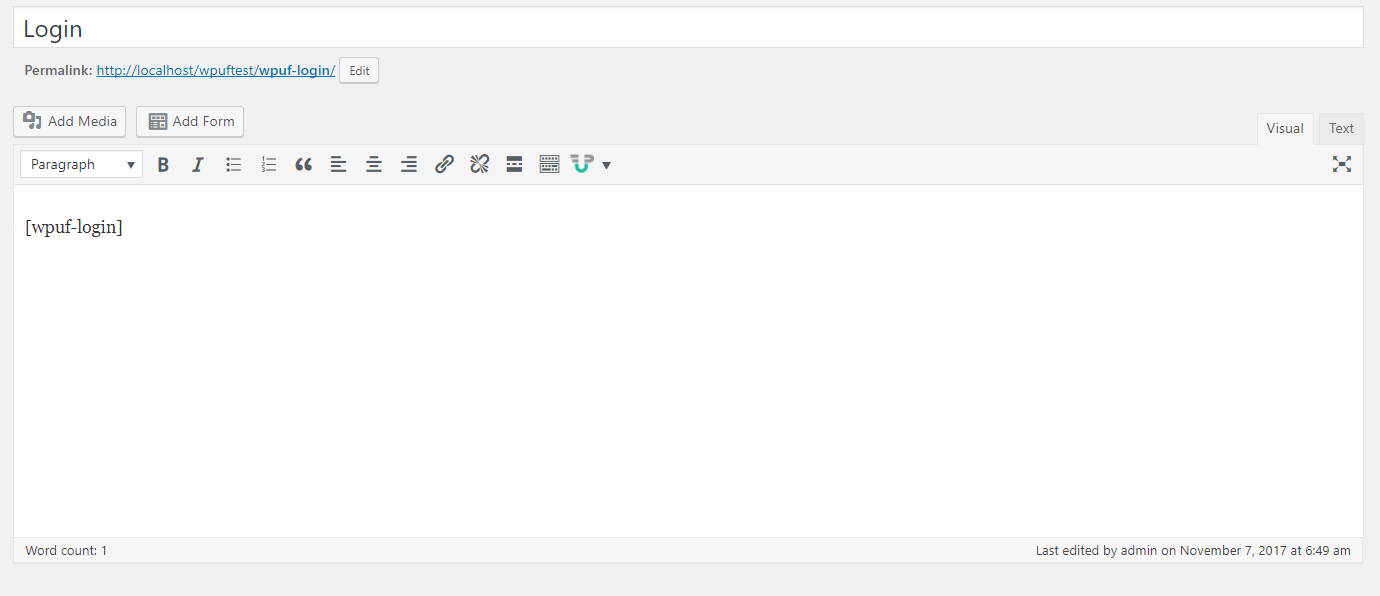
To set up the login page, admins need to create a login page, if not already created by WPUF, and add the login shortcode, which is [wpuf-login].
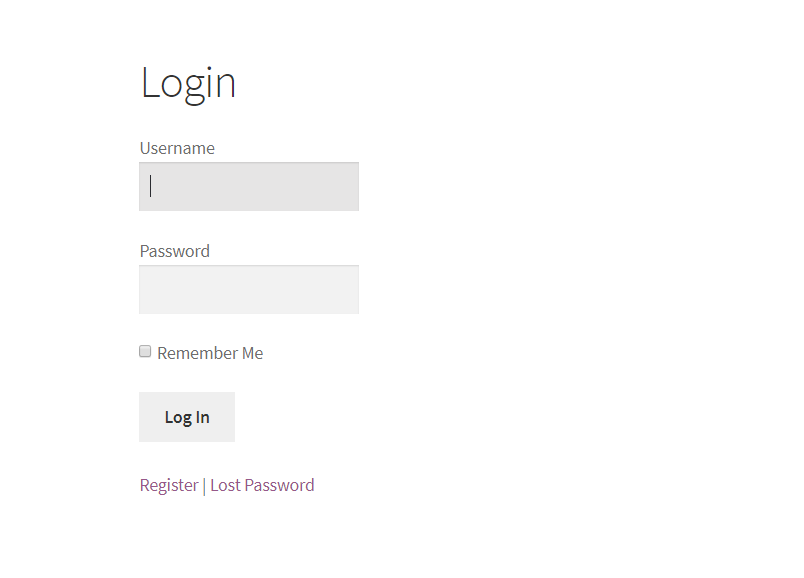
The login page looks like the below:
Registration
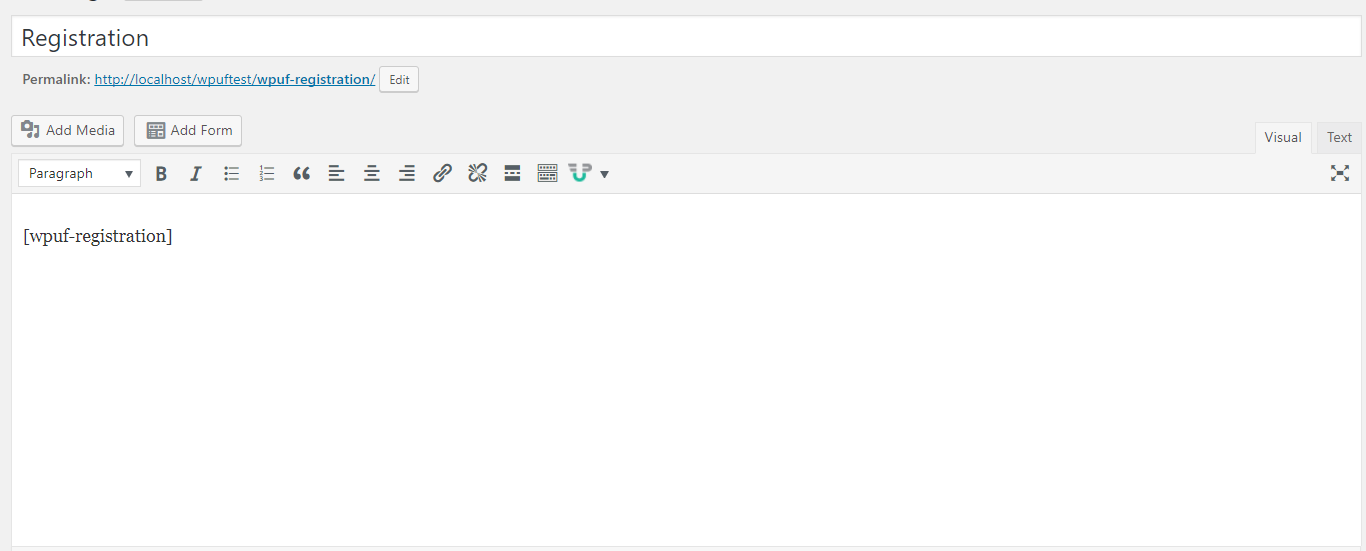
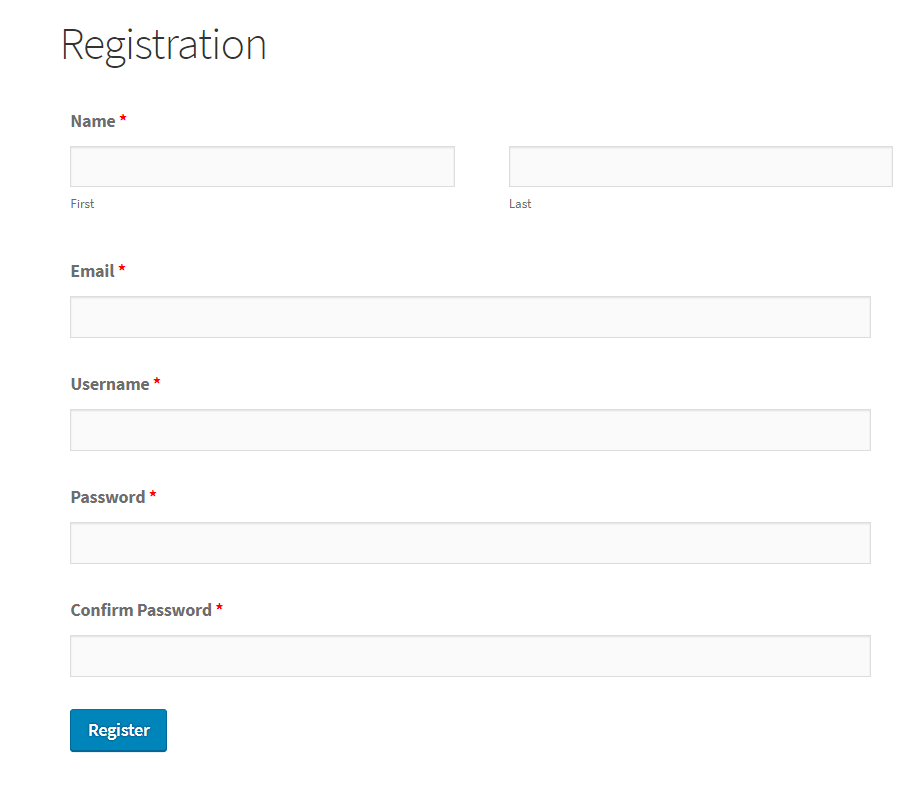
Section titled “Registration”To set up the registration page, admins need to create a registration page, if not already created by WPUF, and add the registration shortcode [wpuf-registration].
This simple registration form shortcode is only available in the free version. The PRO version replaces this with the form builder.
Now we need the select the login and registration page from WPUF> settings> Login/Registration. Then these pages will be used as the default login and registration pages.
The registration page looks like below.
Plugin Settings
Section titled “Plugin Settings”To make the login and registration functionalities work, we need to define the login and registration pages in the plugin settings like that.