

How to View My Task Reports in WP Project Manager
Employees can now view detailed reports using the new My Task Report tab of the WP Project Manager Pro version.
They will be able to view the completion hours of (estimated),
- All Projects
- Task Types
- Sub-task Types.
To view the detailed reports, navigate to WP Project Manager-> My Tasks-> Reports.
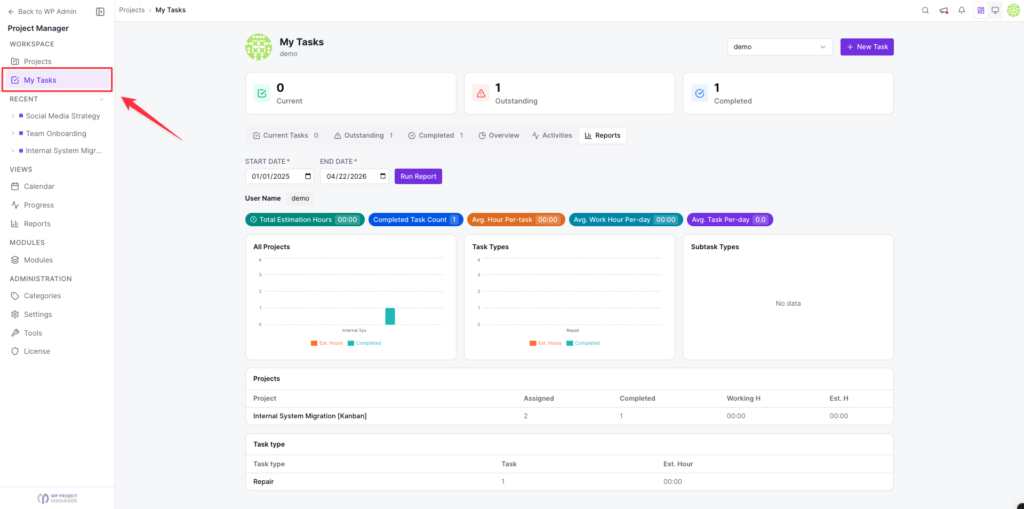
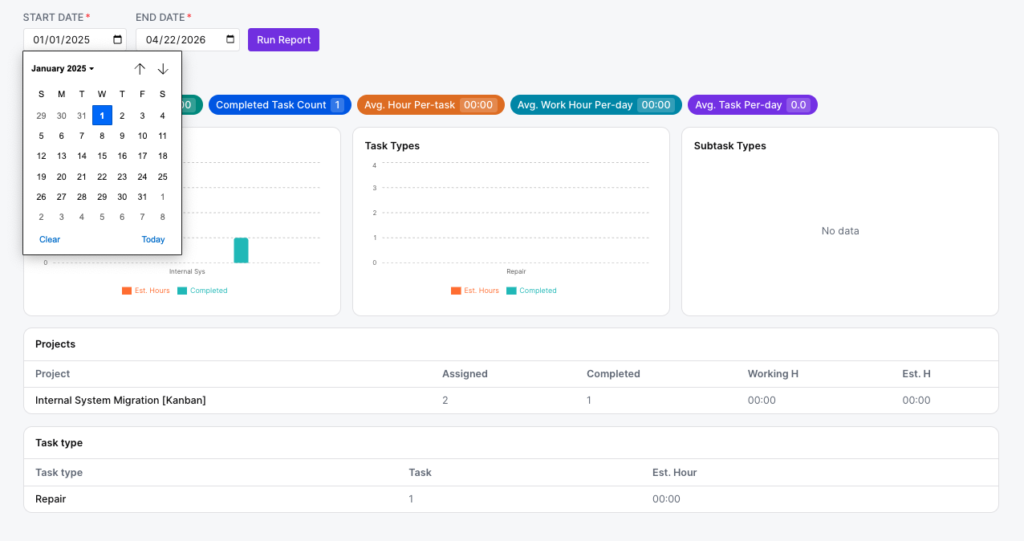
Then the employee will be able to view the whole report. He/She can filter the report by date as well.
That's it!