Showcase your members, contributors, or any user role with ease. Design custom
layouts and control what shows on each profile – all with just a few clicks.
Why Use the User Directory Module?
Transform your WordPress site into a thriving community platform.
Faster Registration
Streamline your user onboarding process with intuitive registration forms and instant profile creation.
Smarter Filtering
Remove friction from user interaction with seamless directory browsing and easy profile discovery.
Better Engagement
Increase community interaction with rich profiles, custom fields, and beautiful user showcases.
Gutenberg Compatibility
Build and customize your User Directory seamlessly with the WordPress block editor.
Setup Wizard
Get started in minutes with a step-by-step guided setup.
Multiple Layouts
Pick from flexible directory and profile layouts that fit your site perfectly.


Powerful Features for Your
User Directory
Everything you need to create professional user directories with
advanced customization options.
Customizable Profiles
Build rich user profiles with 11 Gutenberg blocks, custom fields, and role-based visibility controls.
Live Search & Pagination
Enable AJAX-powered search and smooth pagination for seamless user browsing.
Responsive Design
Fully optimized for desktops, tablets, and mobile devices for a consistent user experience.
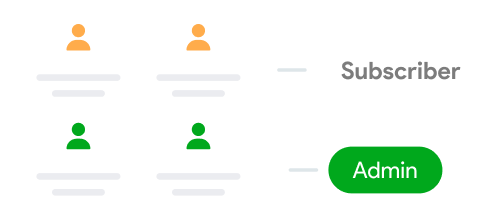
Role-Based Filtering
Show or hide users by role (e.g., Administrators, Subscribers) with simple shortcodes.
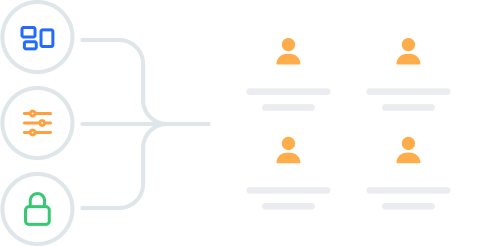
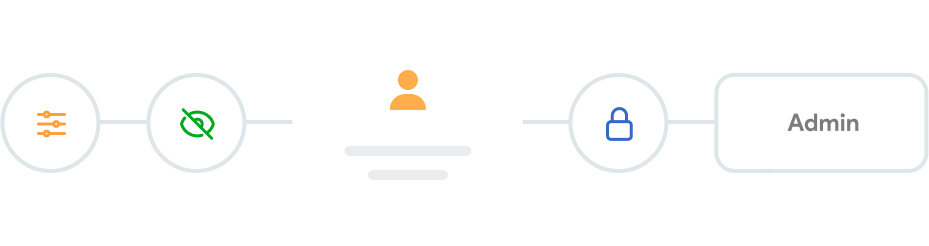
Advanced Controls
Take complete command of how your user directory looks and functions.
Decide exactly which fields are visible, manage avatar sizes, and control how
each user’s profile is presented.


Gutenberg Block for Complete
Visual Freedom
Take full control of your directory’s look and feel using the powerful
Gutenberg block and preview your changes live.

Flexible Display Options
Control exactly how user profiles appear on the page.

Instant Role Filtering
Include or exclude specific user roles with a few clicks.

Streamlined Editing
Make updates directly from the right-hand settings panel.


Real-Time Preview
See changes live as you customize your directory layout.

Responsive Design
Include or exclude specific user roles with a few clicks.

Beginner-Friendly
Designed for all skill levels, from first-time WordPress users to pros.
Guided Setup Wizard to Build
Your Directory Fast
No tech skills? No problem. The setup wizard walks you through every step
so your directory is live in just a few clicks.
Step-by-Step Guidance
From enabling the module to choosing your layout - clear guidance at every step.
Custom Meta Fields
Save time with preset fields, layouts, and settings, plus fully customizable meta fields.
Instant Role Filtering
Quickly include or exclude user roles using a simple dropdown menu.


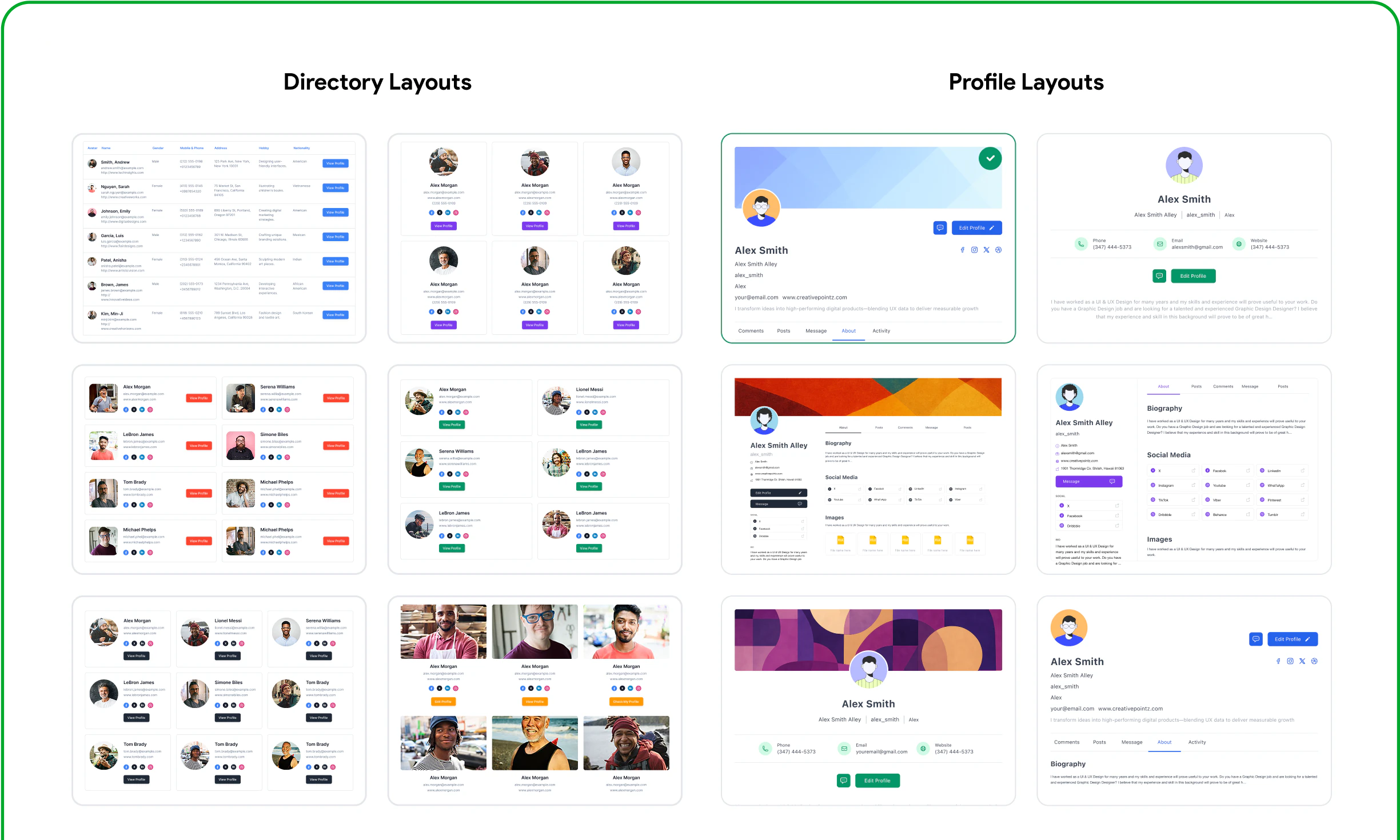
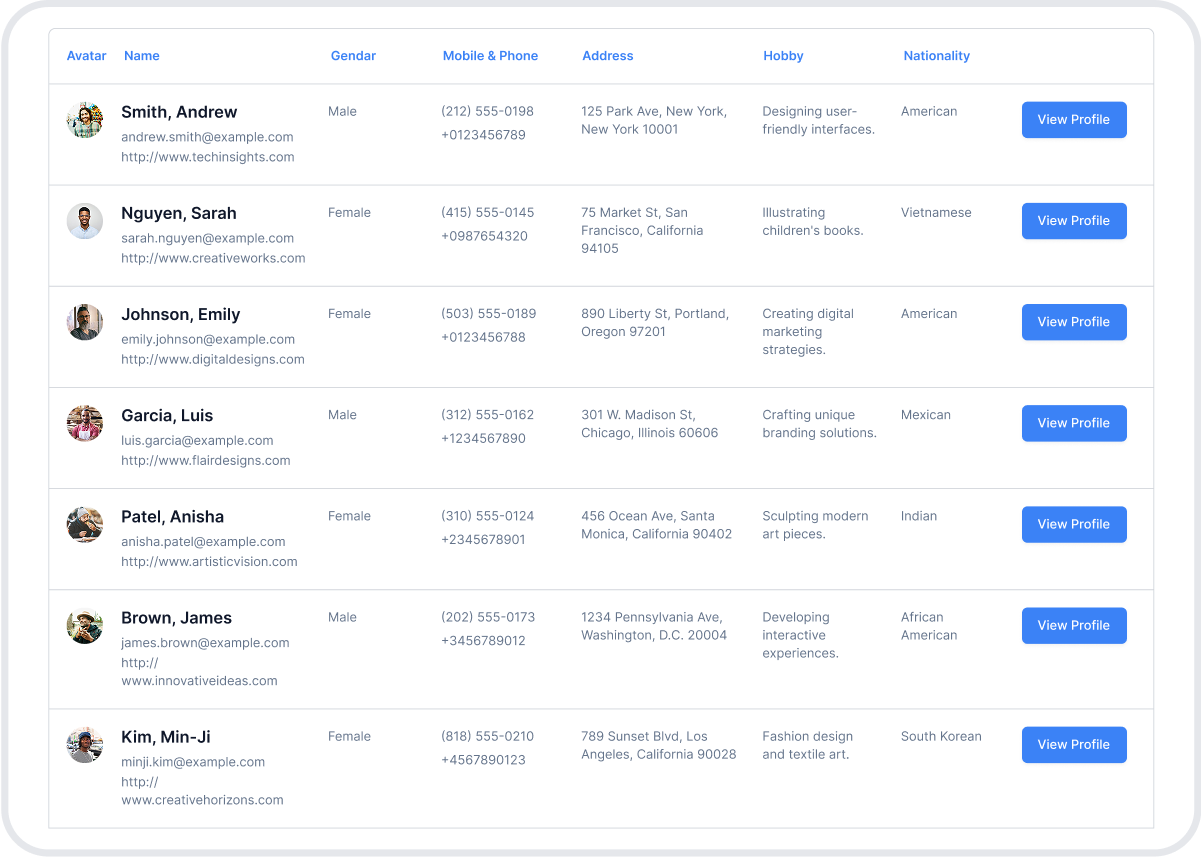
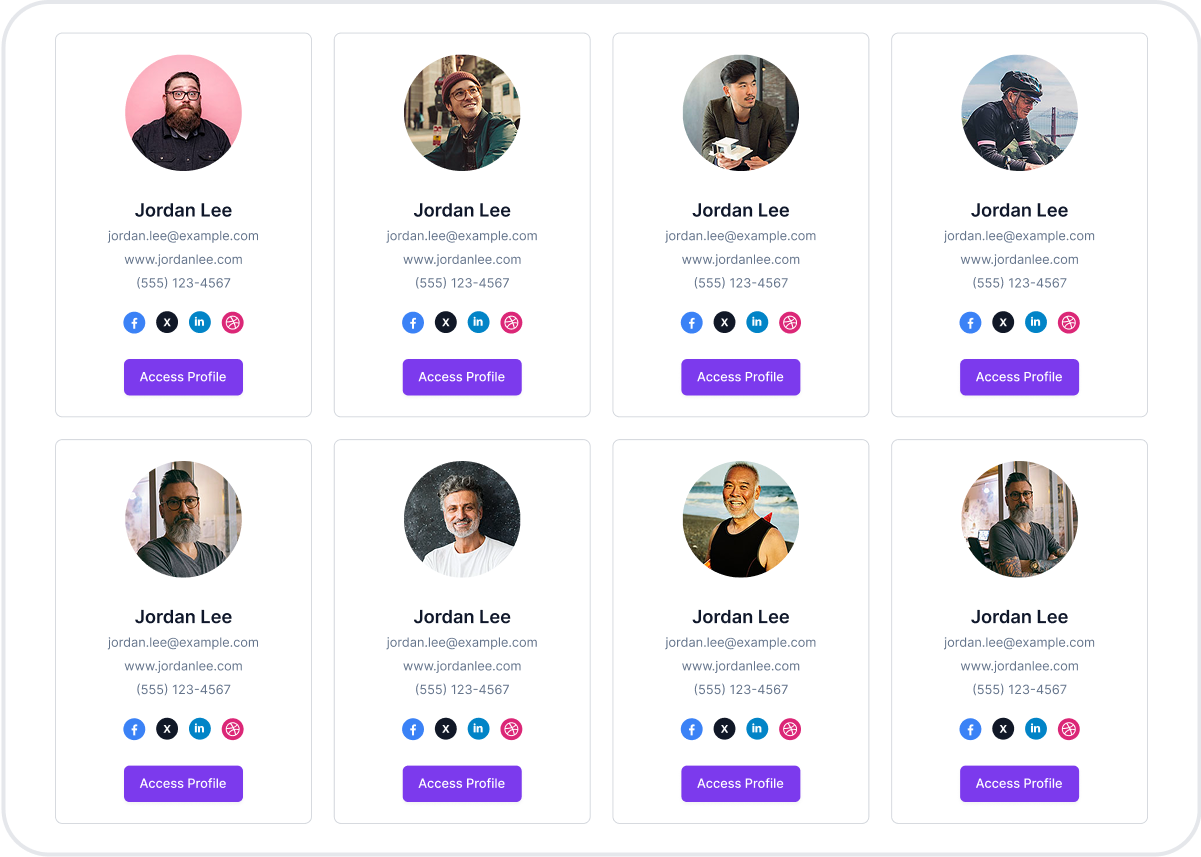
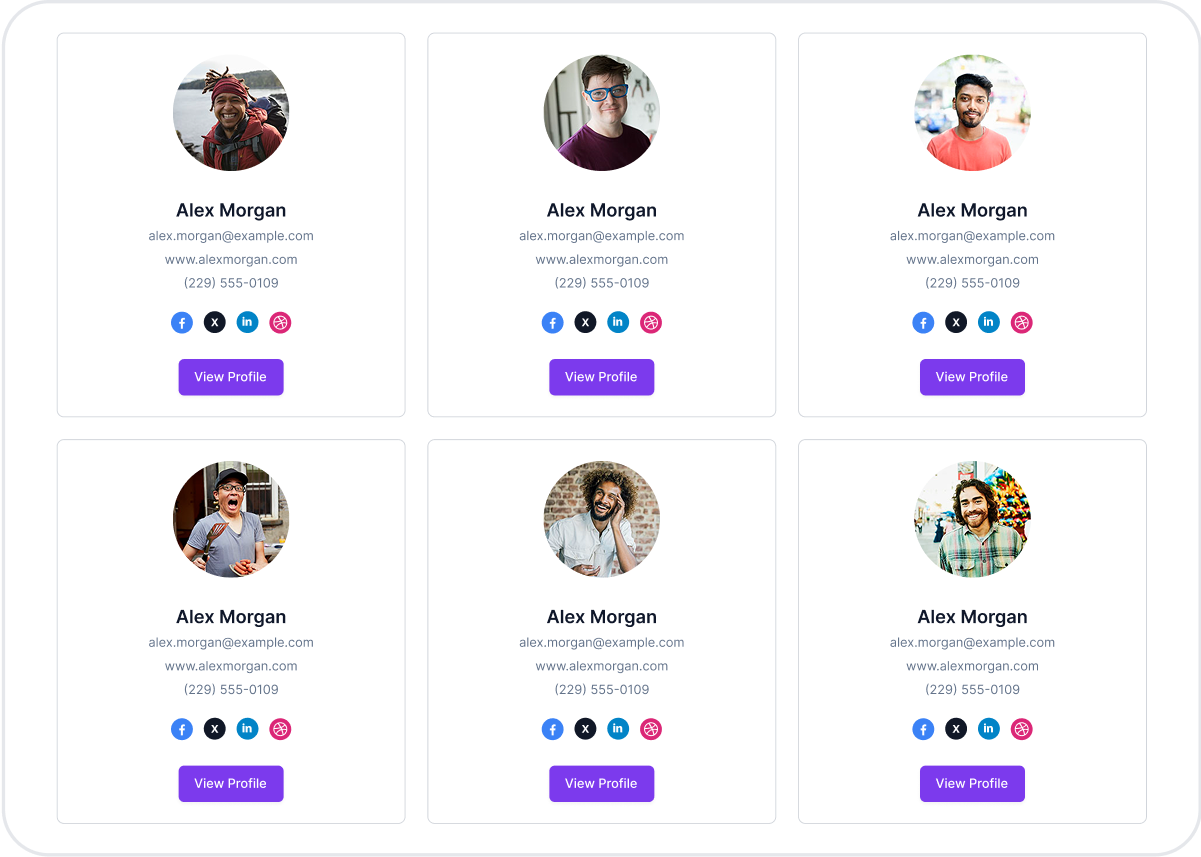
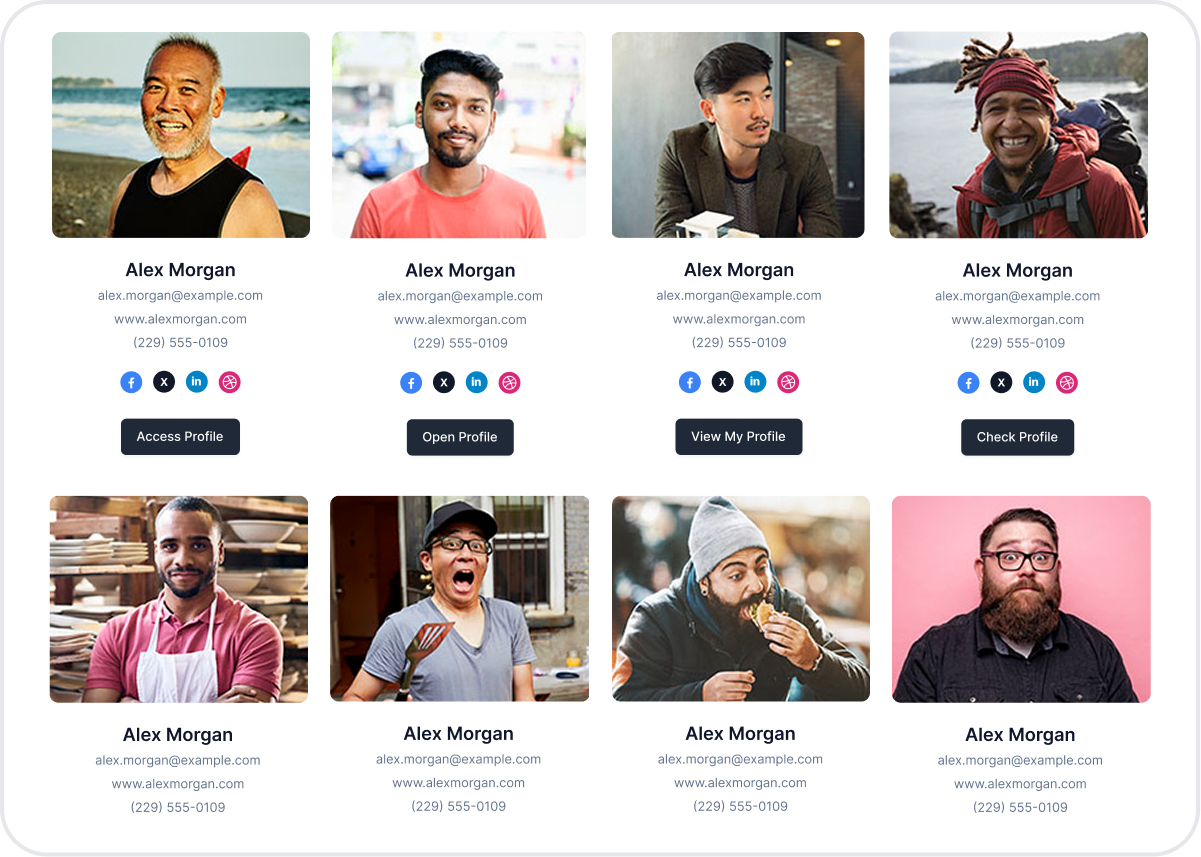
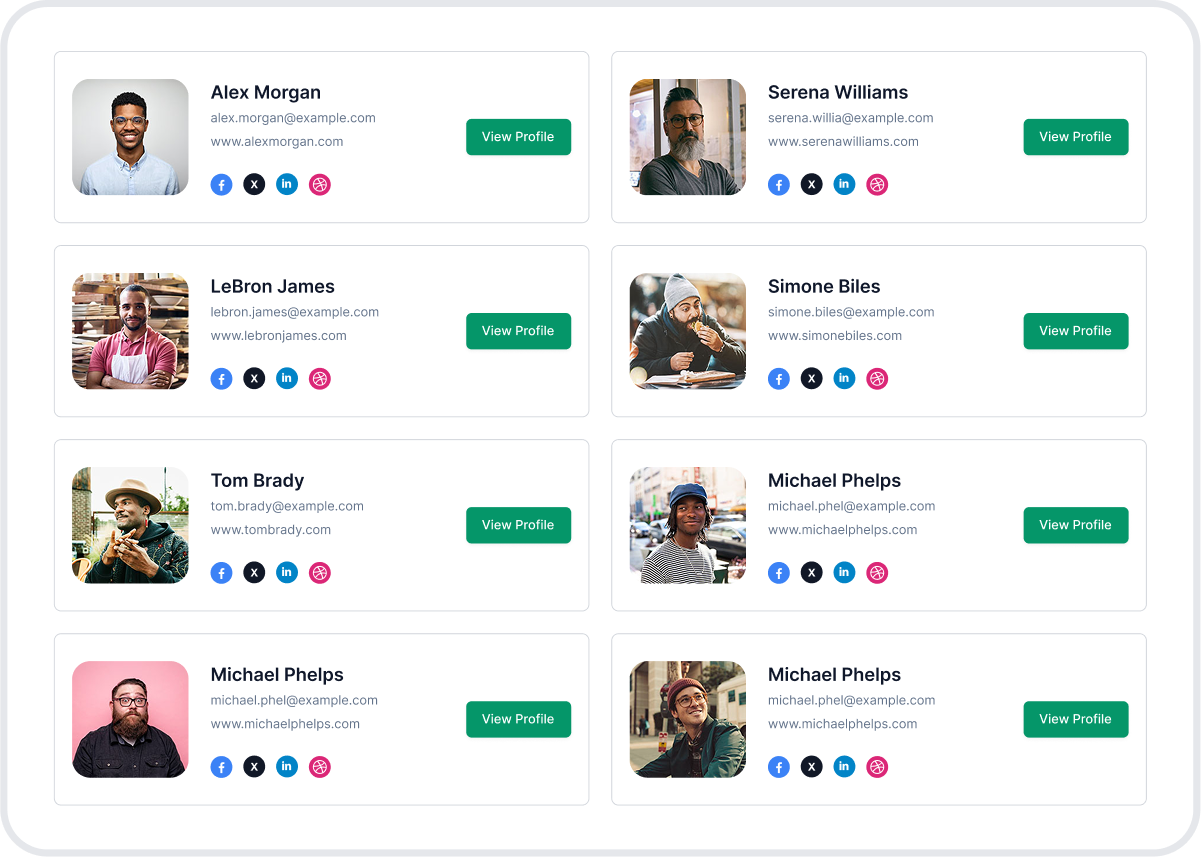
Six Stunning Layouts to
Showcase Your Users
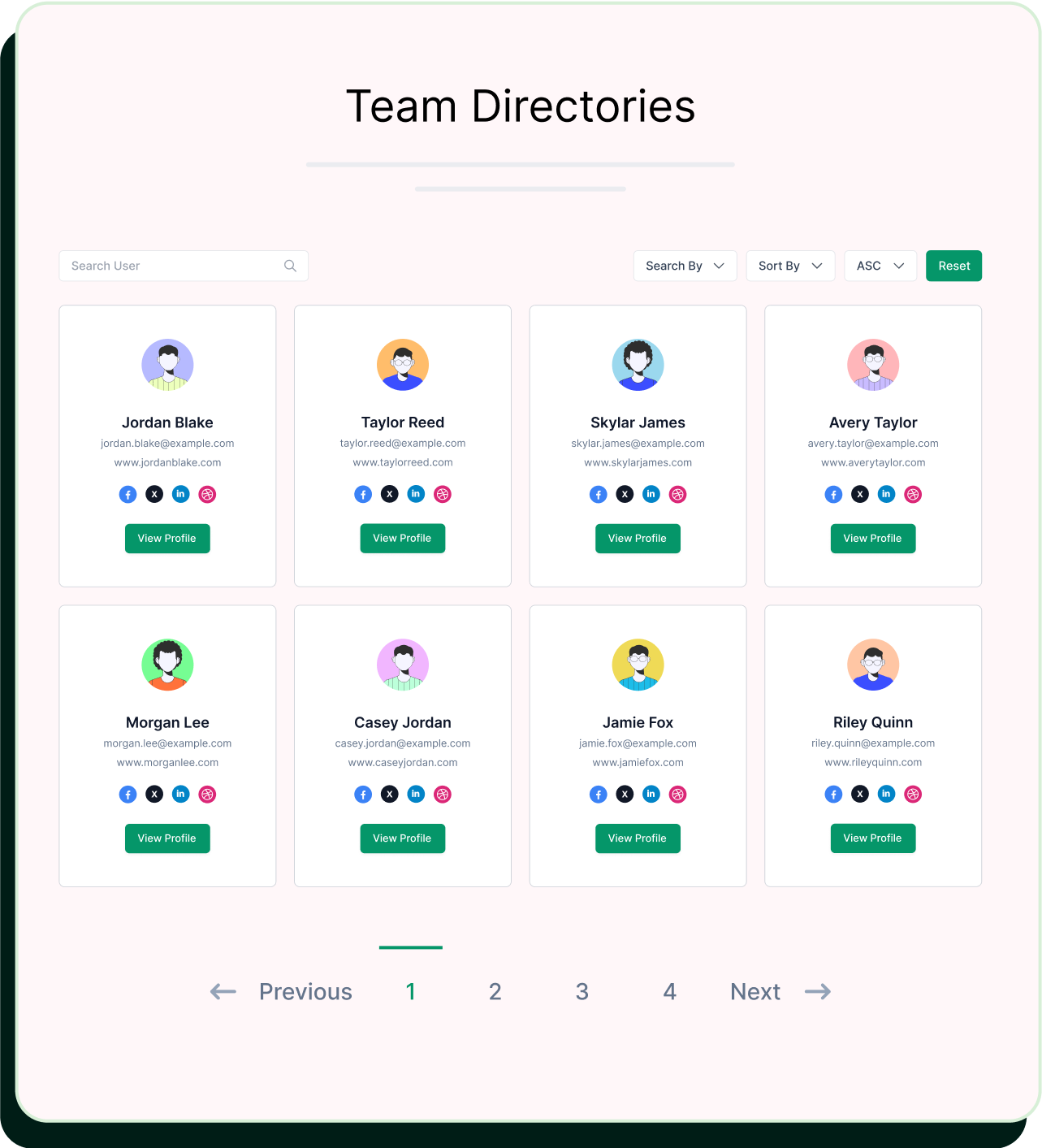
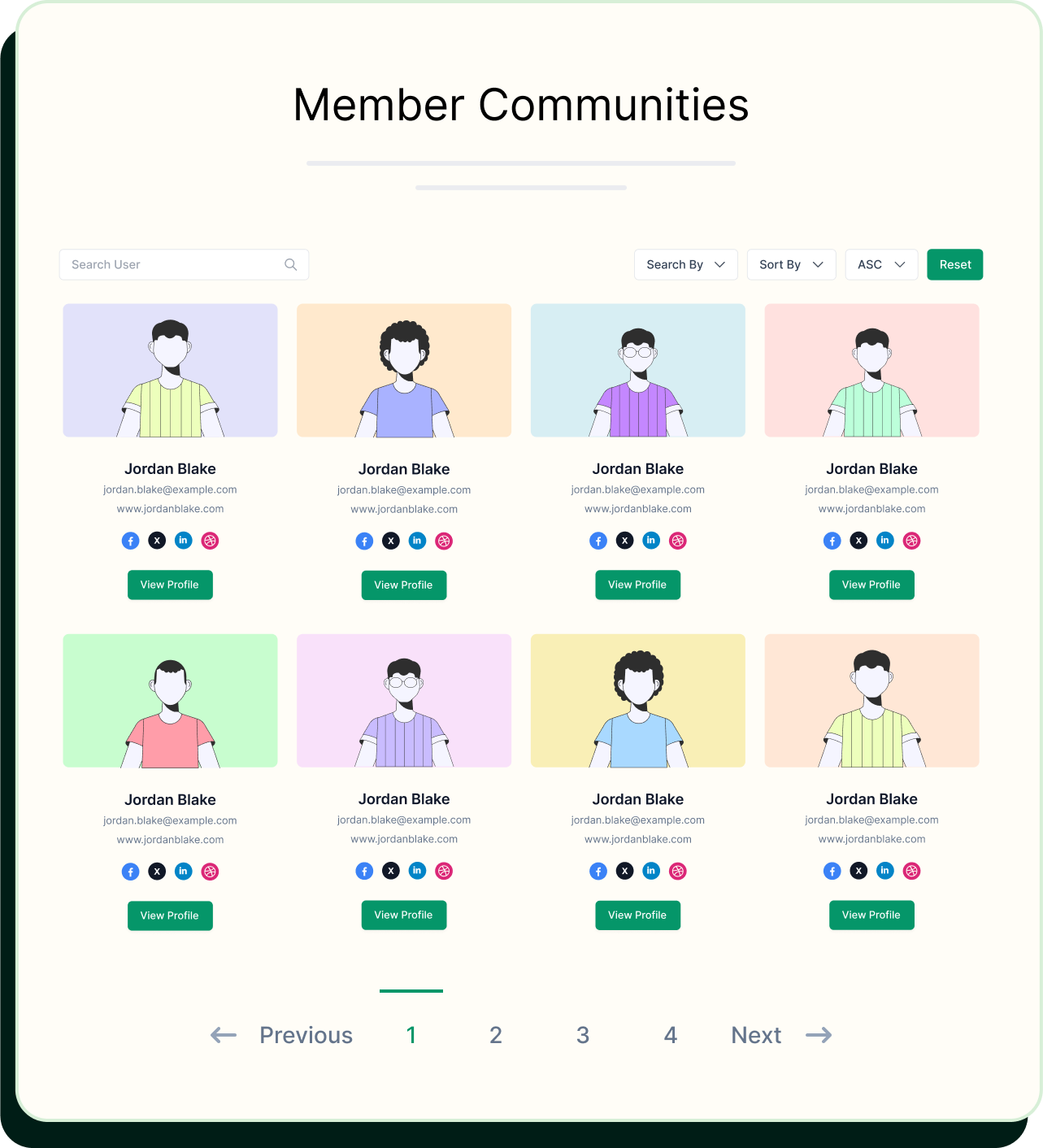
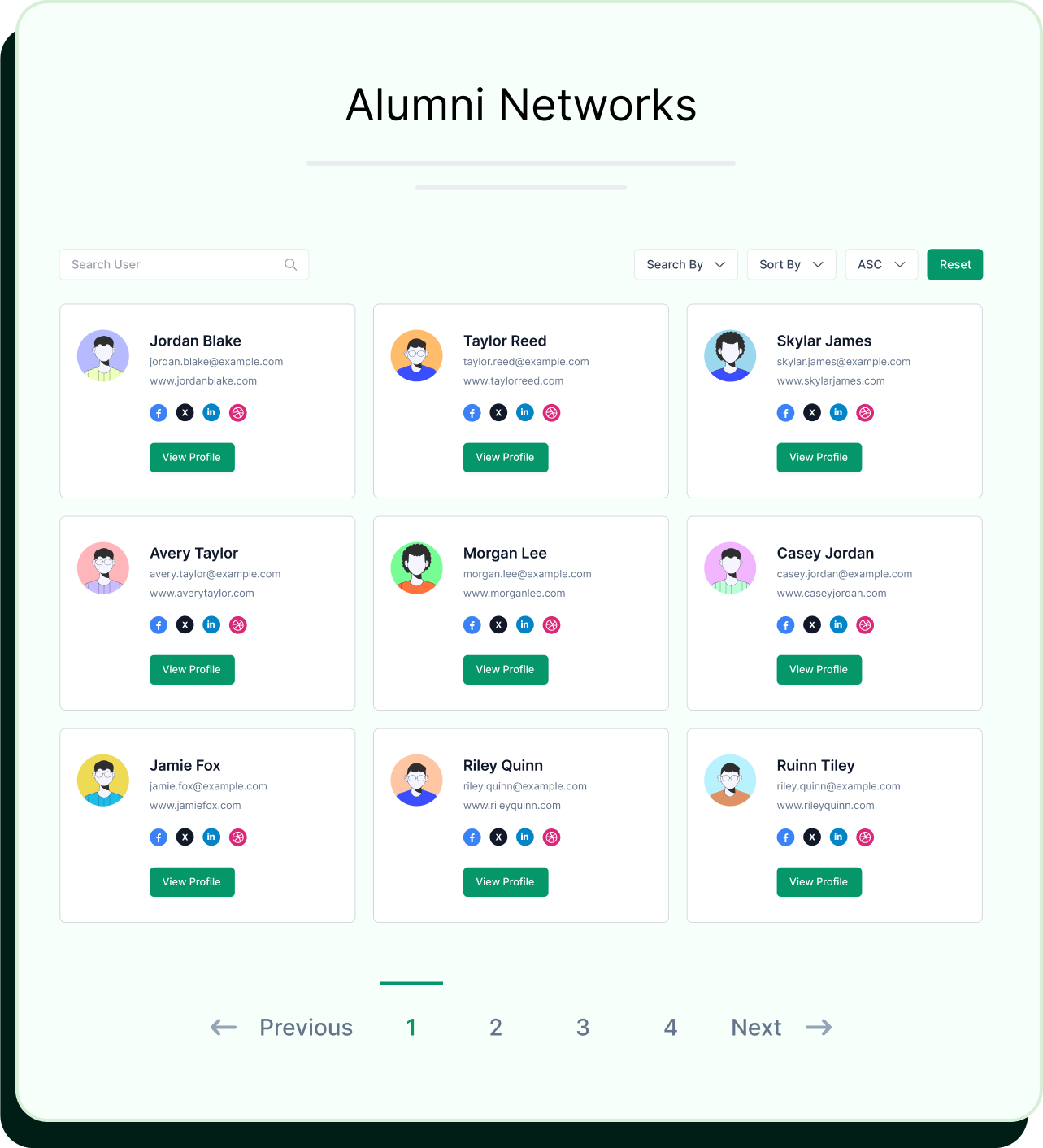
Display your users beautifully with layout options like Table, Card Grid, Compact,
Large, or Minimal Grid.
Use Cases for Your User
Directory Module
Real-world scenarios where content restriction drives growth and user engagement.
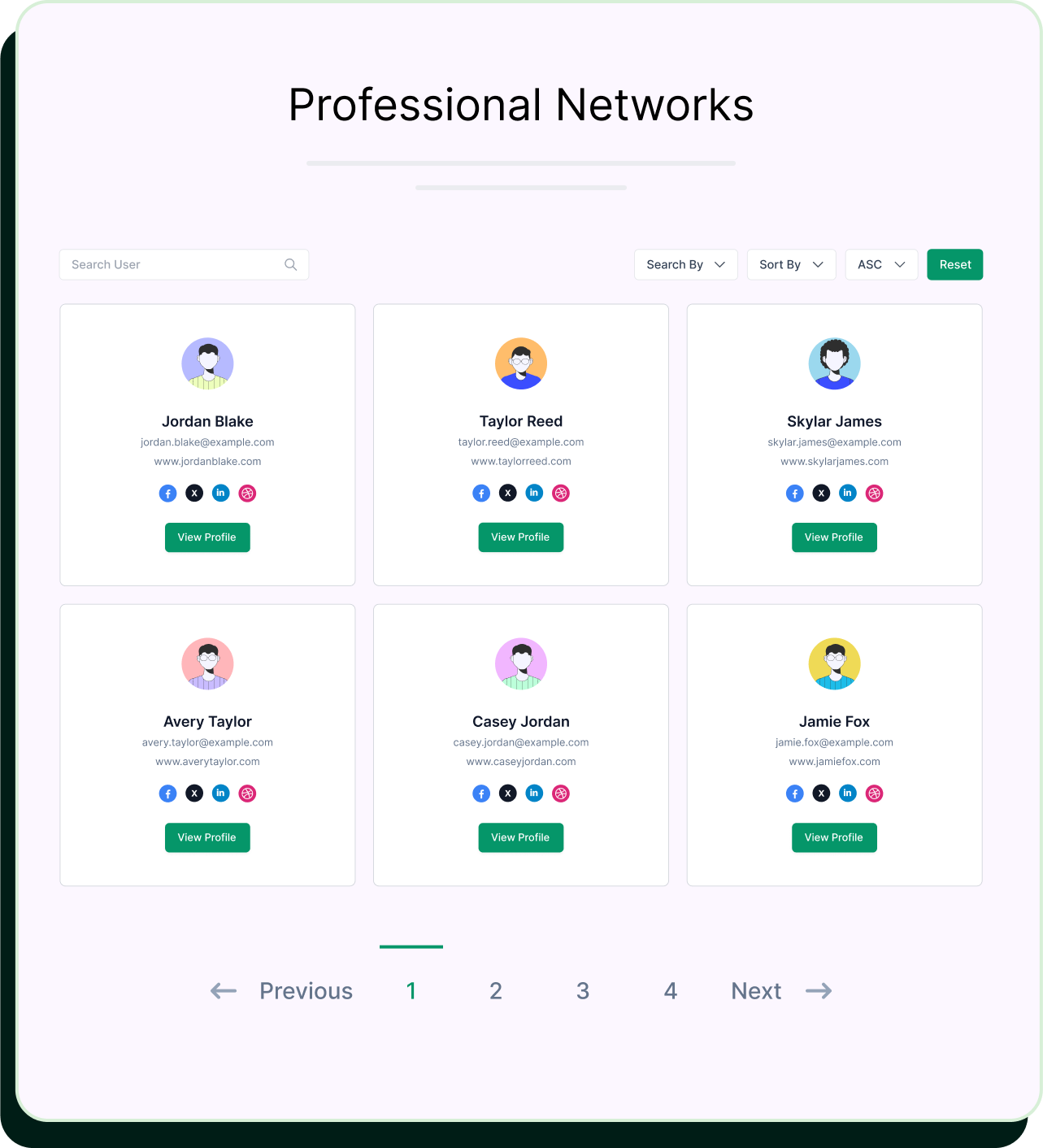
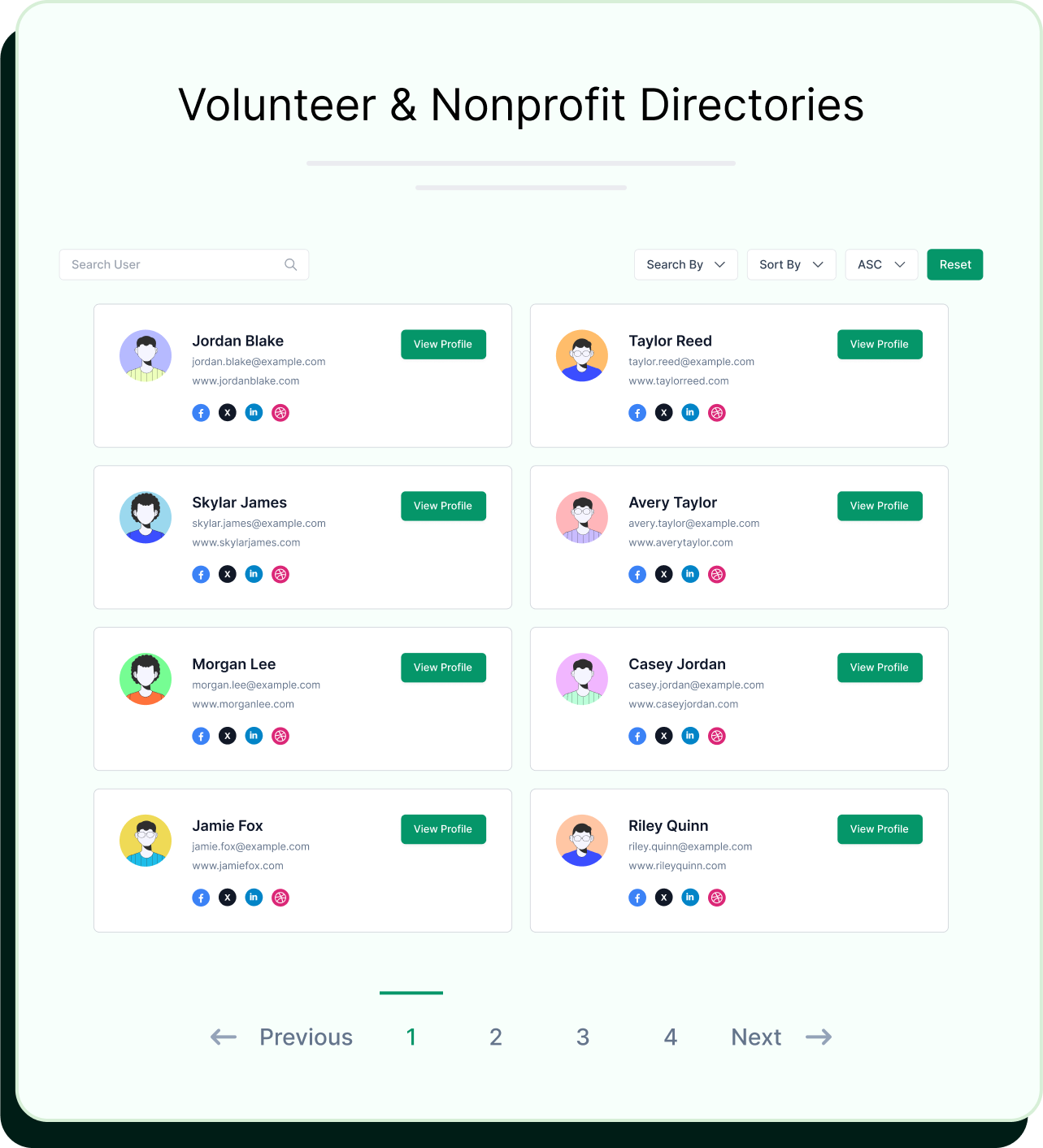
How the User Directory Module Works
Simple setup in minutes, follow these easy steps to configure conten
restriction and start protecting your content.
- 1
Install Plugin
Download and install WP User Frontend Pro from your account dashboard.
- 2
Enable Module
Navigate to <strong>User Frontend</strong> → <strong>Modules</strong> and activate the User Directory module.
- 3
Configure Settings
Customize fields, templates, and permissions to match your needs.
- 4
Add Shortcode
Place the <code class="text-primary">[wpuf_user_listing]</code> shortcode on any page to display your directory.
Frequently Asked Questions
Get answers to common questions about our all-new User Directory module
How do I enable/access the revamped User Directory after updating?
Is the revamped User Directory compatible with my existing WP User Frontend setup?
To keep your existing user roles and meta fields, we’ve added a migration system. You’ll see a notice for the upgrader. Click it, and the process runs in the background. A new item will appear in the User Directory menu, without affecting your existing directory.
Can I display custom user fields in the directory listings and on profiles?
How can I control which users appear in the directory?
Are the new design templates responsive and mobile-friendly?
Can I customize the avatar sizes and gallery images?
Do I need coding knowledge to set up the User Directory?
Build Your Perfect User Directory
with WP User Frontend Pro
Bring your community, team, or members into the spotlight with a modern,
powerful, and easy-to-use User Directory module.