



Need For Help?
Send us all your queries to our expert support team at [email protected] We are always ready to listen what you have to say.
Your download should start automatically, if not Click here.
Check Our Detailed DocumentationHow to Install WooCommerce Conversion Tracking on Your WordPress Site
Download WooCommerce Conversion Tracking Plugin
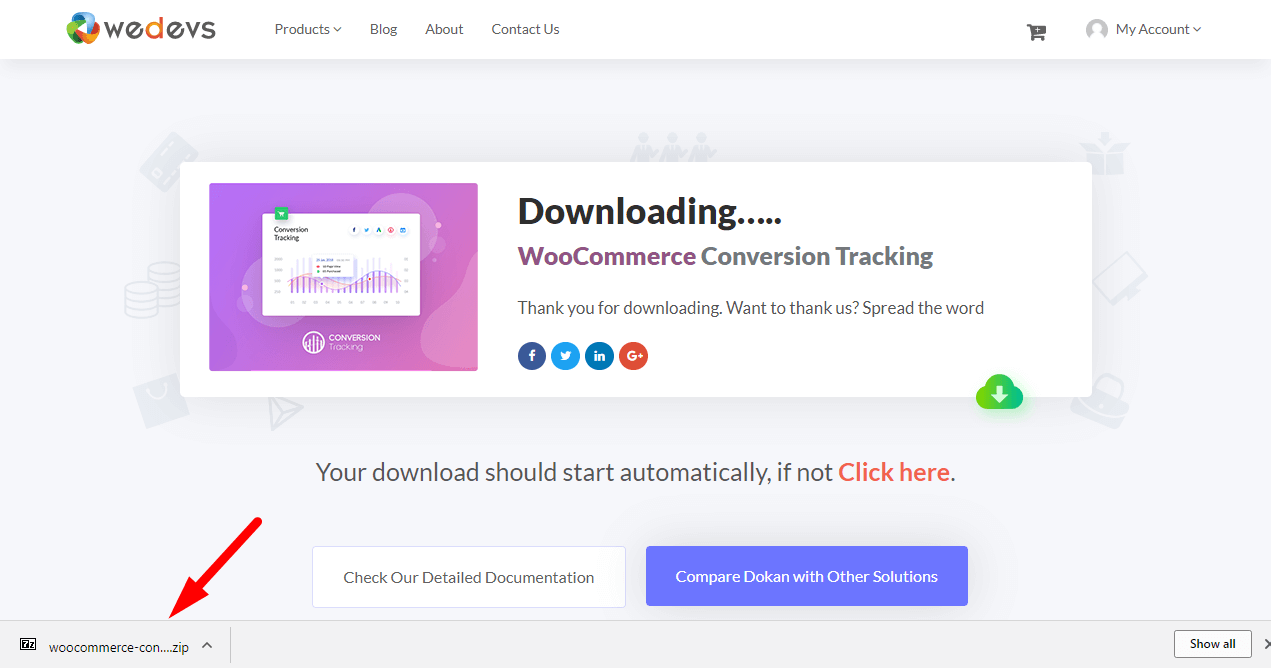
If you have already clicked on the download button, it will start automatically, otherwise click here
Login to your site (wp-admin), install WooCommerce Conversion Tracking
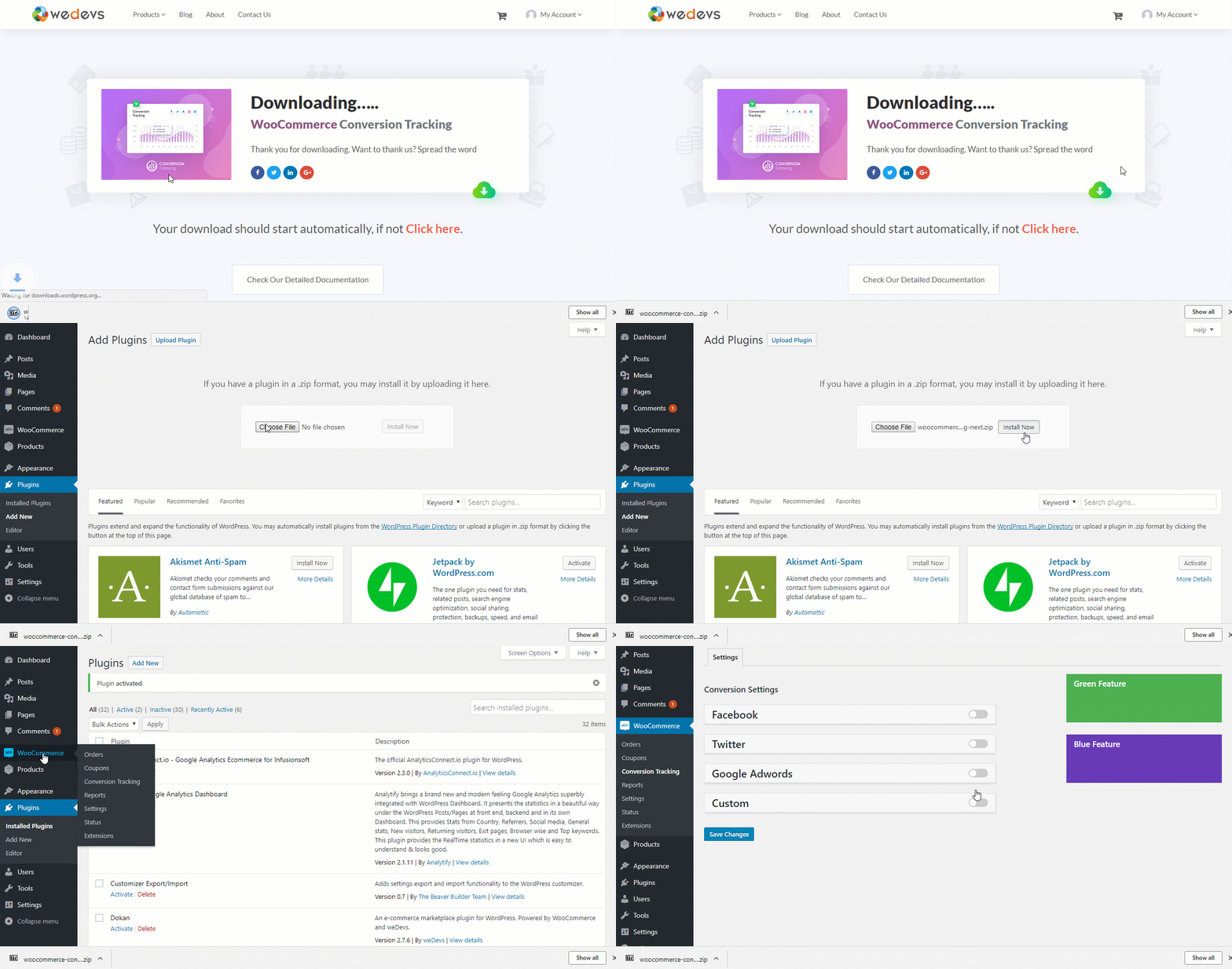
Navigate to – WordPress Admin Dashboard → Plugins → Add New. Simply click on the upload button and select the downloaded zip file. Click upload, install and activate
Enter Pixeld ID's for your platforms and start tracking conversions
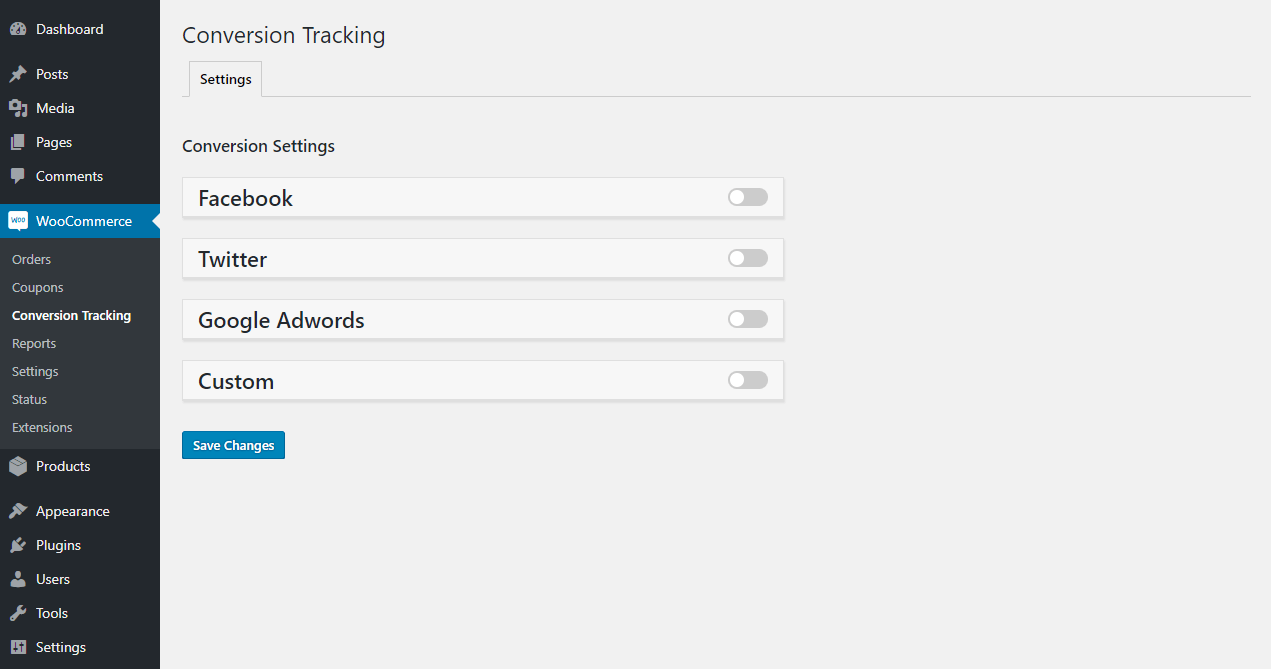
Enter Pixel ID for Facebook, Twiiter, Google AdWords, Perfect Audience and connect those ad platforms with your WooCommerce store. You can even custom platform of your own
Want To Install Without Uploading?
Send us all your queries to our expert support team at [email protected] We are always ready to listen what you have to say.